Tickets
A ticket is an anonymous credential of an EAS account: it has no user and no profile. It carries a fixed list of products to pick up and to return, and it is used on the devices just like a user code (QR, NFC, barcode…). It suits contractors, visitors or work orders: hand over the ticket and the person picks up or returns exactly what it says.
The section only shows up on EAS accounts and needs the tickets permission (see
Permissions).
How it works
- One ticket product = one unit. Two gloves are two rows. Each row is used once.
- To pick up can be:
- Pick up: leaves the locker and does not come back.
- Pick up & return: leaves and must come back. The return is linked to that delivery, as with an EAS profile.
- To return: an anonymous return, without having picked it up with this ticket.
- Each row can be general (Any unit of the product: on pick-up the locker slot decides; on return, the one the person hands in is recorded) or pinned to a unit by its serial number.
- The ticket is a quantity allowance: with two identical products it does not matter which one is used first; in the end the quantities add up.
- It can be used several times until its products run out or it expires.
Create a ticket
Administration › Tickets › Add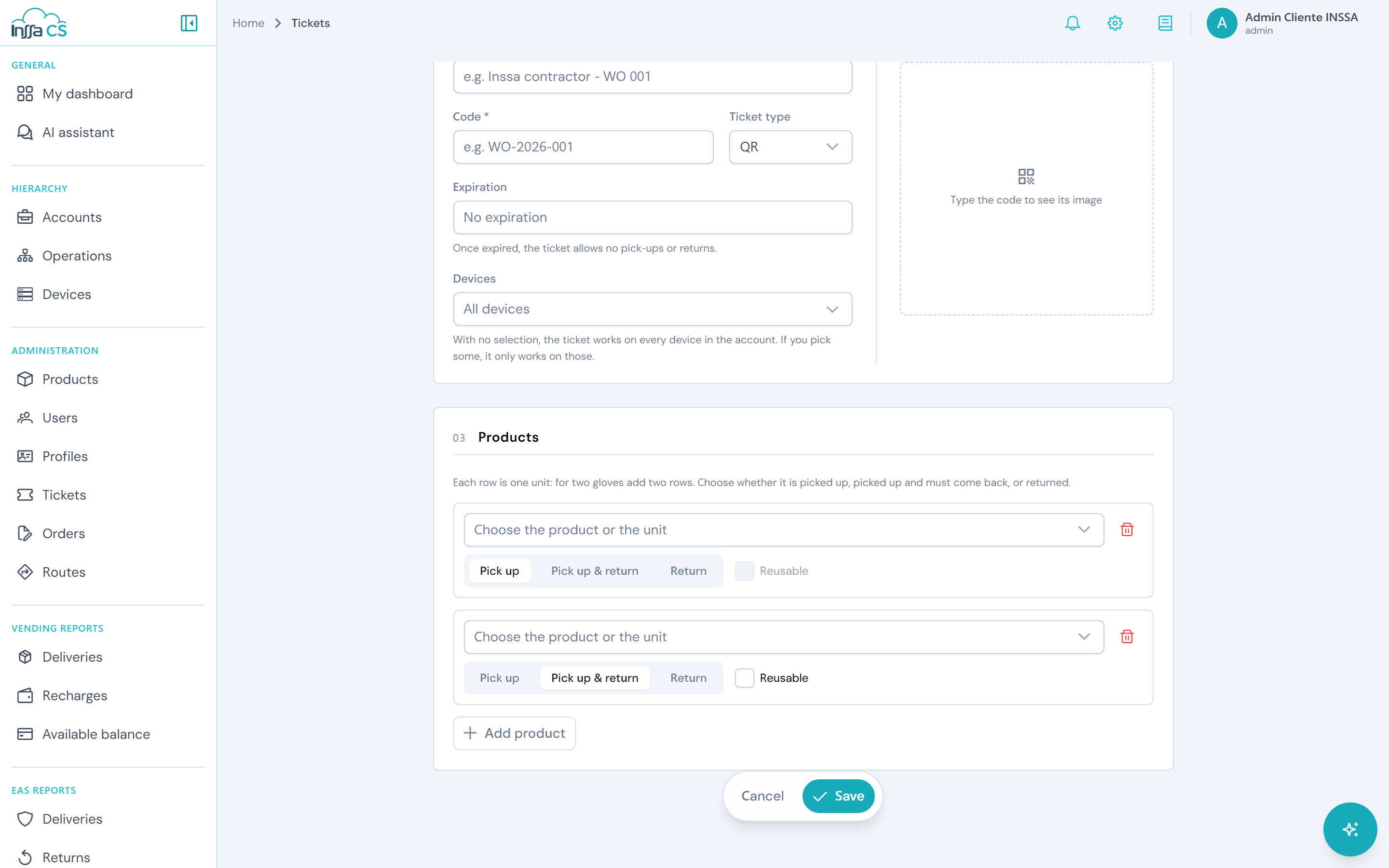
- Account: EAS accounts only. If your user belongs to an account, the ticket is created there.
- Ticket details:
- Name: to recognise it (for example Contractor Pérez - WO 123). It is what the machine shows; without one, it shows the code.
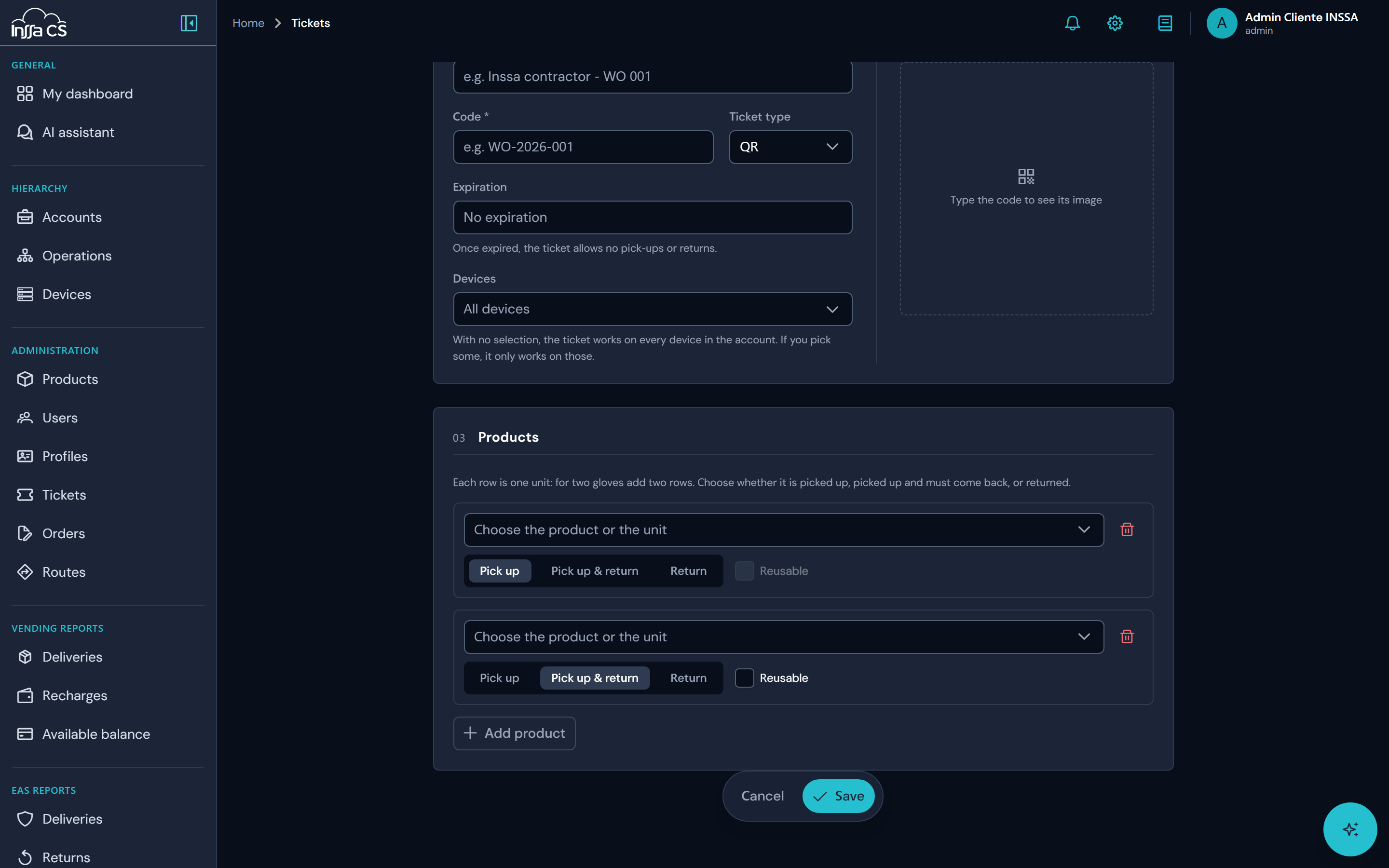
- Code: the credential the device reads. Required, unique in the account and it cannot match a user's code. Its image shows next to it.
- Ticket type: QR, NFC, CODE128, CODE39, PDF417, EAN-13, UPC-A, MRZ or GENERIC. QR by default.
- Expiration: optional and, if set, it must be a future date. Once expired, the ticket can no longer pick up.
- Devices: where it can be used. With none selected it works on every device of the account; pick some to limit it to those.
- Products: add one row per unit, choosing the product (or a unit by its serial number) and whether it is picked up, picked up & returned or returned. On what comes back you can tick Reusable: the locker slot it goes into becomes available to deliver again. In rows to return, a unit that is already in a locker shows disabled (Already in a locker): what never left cannot come back.
The ticket needs at least one product. A unit pinned to a live ticket is reserved: it cannot be pinned in another.
Check the name, expiration, devices and products before creating it: they cannot be changed later. If something is wrong, cancel (or delete) it and issue a new one.
Statuses
| Status | Meaning | What it allows |
|---|---|---|
| Active | Ready to use. | Pick up and return. |
| Inactive | Paused by hand; reactivate it whenever you want. | Nothing: no pick-ups and no returns, not even what must come back, until it is reactivated. |
| Expired | Past its expiration date. | Only returning what was picked up and must come back. |
| Completed | Used all its products and has nothing left to return. | Nothing. |
| Cancelled | Cancelled by hand; final. | Only returning what was picked up and must come back. |
When several apply, the first one in this order wins: Cancelled, Completed, Inactive, Expired, Active. Completed and Expired are not chosen: they are computed.
Even when the ticket is expired or cancelled, what was picked up and must come back can be returned. Otherwise that product would be stuck outside forever. Anonymous returns, on the other hand, are only accepted while the ticket is active. An inactive ticket does not accept even that: reactivate it so items can be returned.
Nothing to do: as soon as it expires, the units it held for pick-up become free for another ticket and it no longer blocks deleting its products. A serial number that appears in any ticket (expired, cancelled or completed included) cannot be deleted until that ticket is deleted.
List
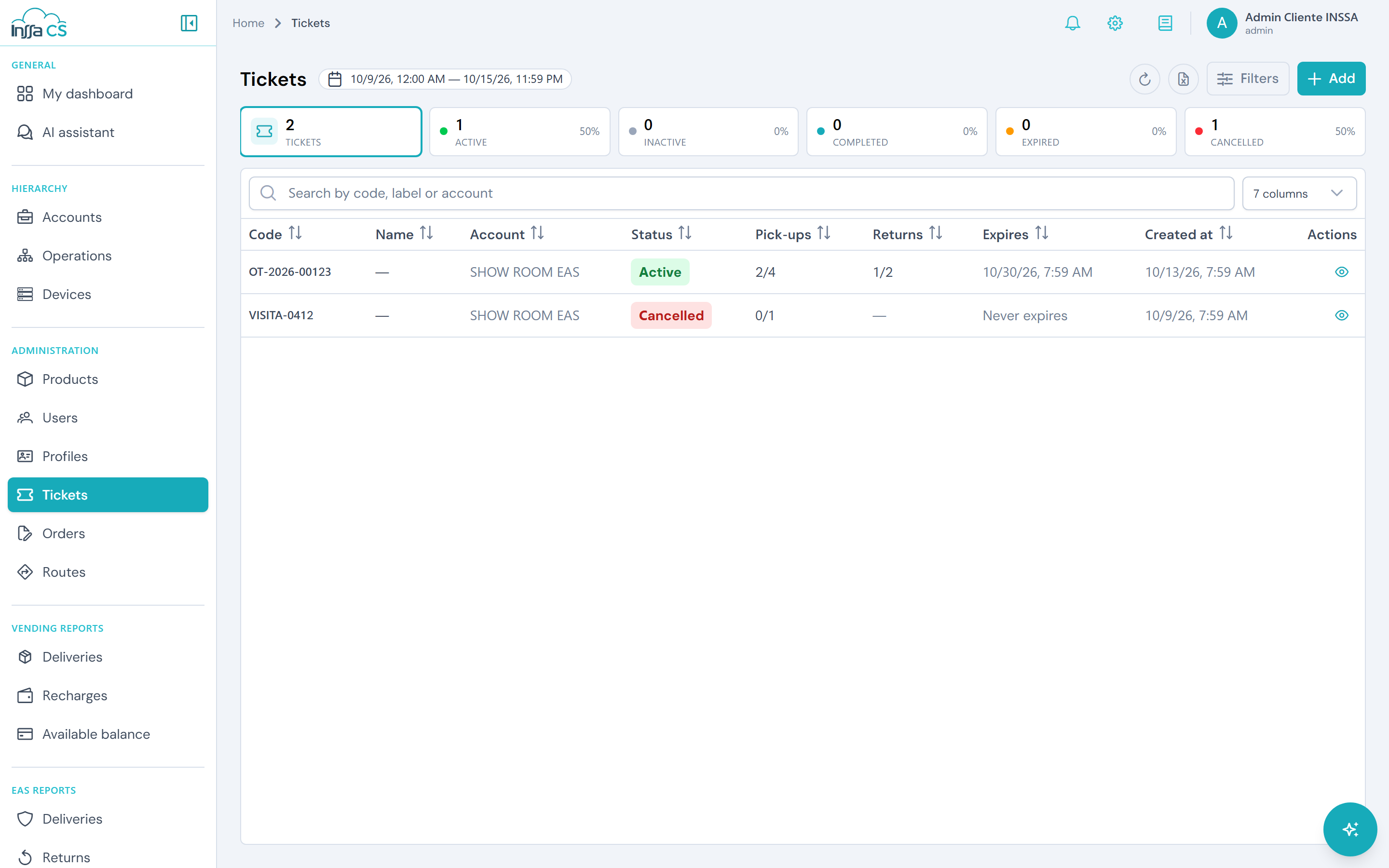
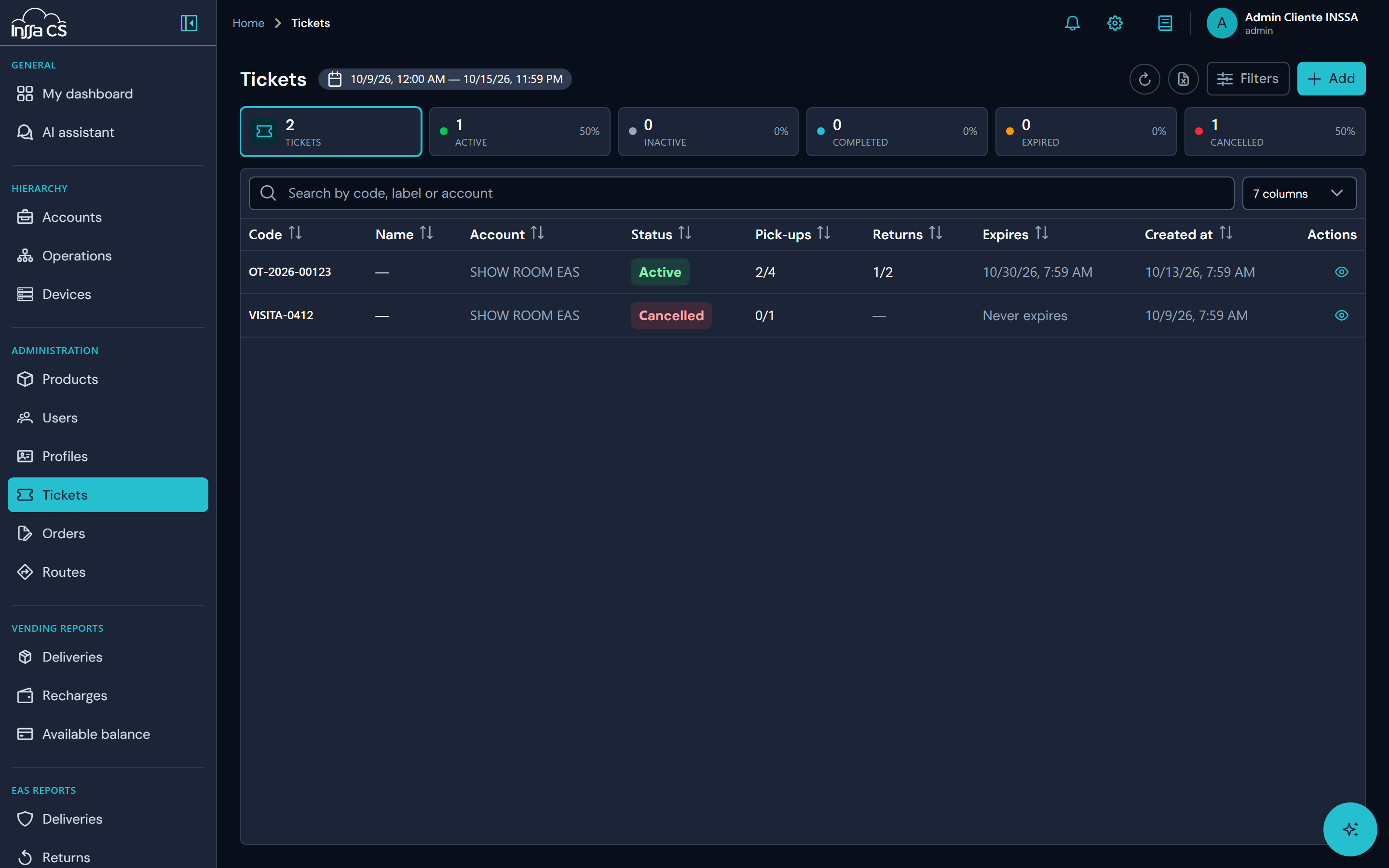
Columns: code, name, account, status, pick-ups (used / total, plus those still to come back), returns (used / total), expiration and creation date. The ID can be shown from the column picker.
- Status cards at the top: total, active, inactive, completed, expired and cancelled. Tap one to filter by that status.
- Filters: creation date range, status and search by code, name, account or who created it.
- Export to Excel: the same visible columns as the table, with what reads on screen.
Detail
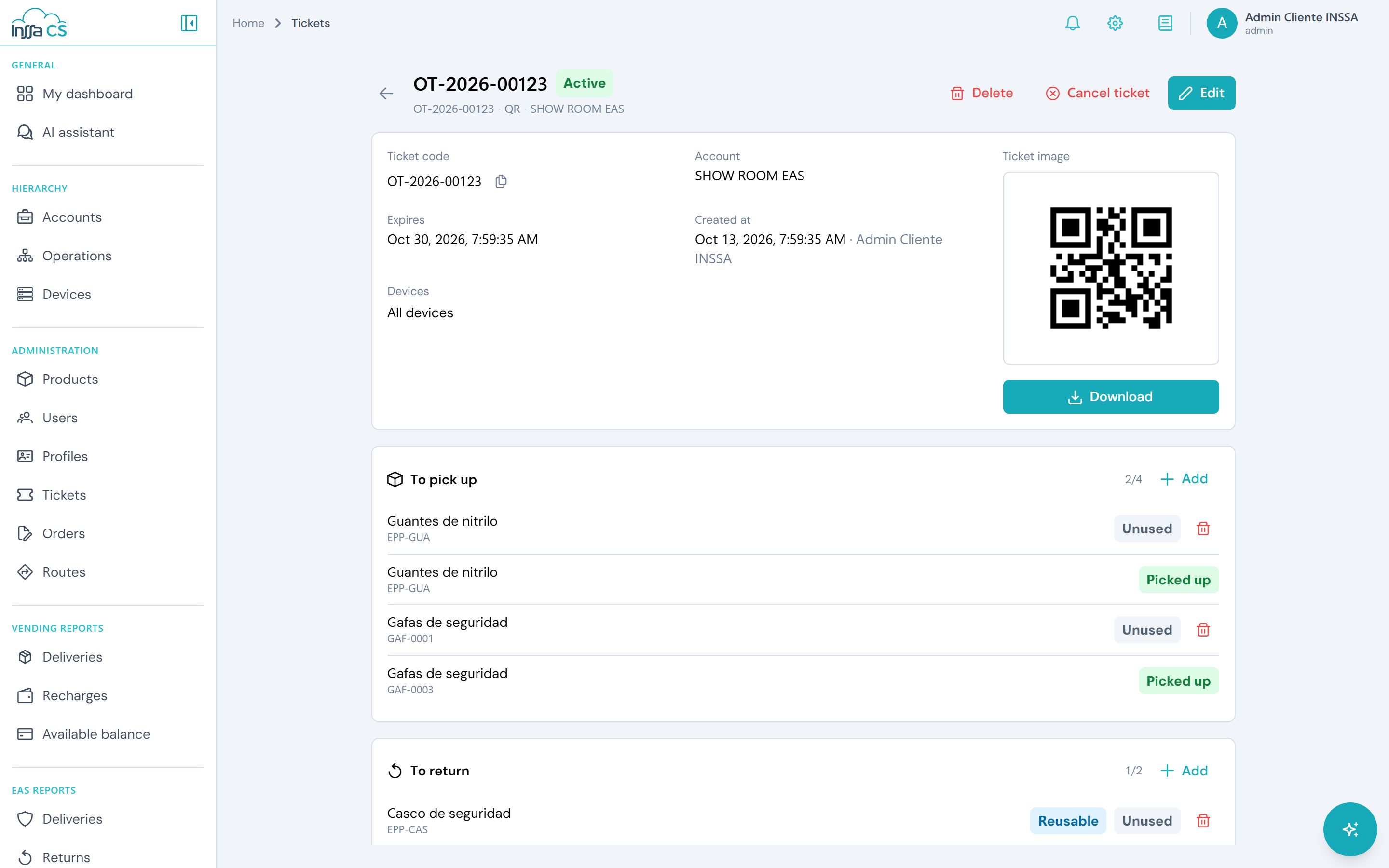
- Code with a copy button, and the code image to print or send it (Download, as PNG).
- Account, type, expiration, devices (All devices when none was chosen) and who created it.
- Products in two lists, To pick up and To return, with their state: Unused, Picked up, Returned or To return. What comes back (to return, or pick up & return) always says whether it is Reusable or Not reusable: when a non-reusable one is received, the Non-reusable return notification arrives with the selection to clean (see Notifications).
- History: every pick-up and return made with the ticket, with date, product, device and operation. A failed pick-up is flagged.
Pause and reactivate
Pause makes the ticket Inactive: no pick-ups and no returns, not even what must come back, and its units stay held. Reactivate brings it back to Active. A completed or cancelled ticket no longer changes status.
Cancel
Cancel ticket makes it unusable for pick-ups. What was done stays in the history and its code is never reused.
Delete
Delete, on the ticket page, removes it for good: it asks you to type the ticket's code to confirm. Its unused products and its devices are removed, and the code becomes free for another ticket. What was already delivered and returned with it stays in the reports, and the deletion is recorded in the Audit. It requires the delete tickets permission.
A ticket with pick-ups that must come back and have not cannot be deleted: the button is disabled. Cancel it instead.
On the device
The person presents the ticket like any code. The machine shows what they can pick up and what they have to return. If the ticket has devices selected and that machine is not one of them, the accreditation is rejected. A ticket is used on one machine at a time.
Pick-ups and returns made with a ticket show up together with users' ones, in EAS deliveries and Returns. For integrations, see API: tickets.