Roles
A role is a reusable permission template. When creating an operator you pick their role and, if needed, adjust permissions one by one.
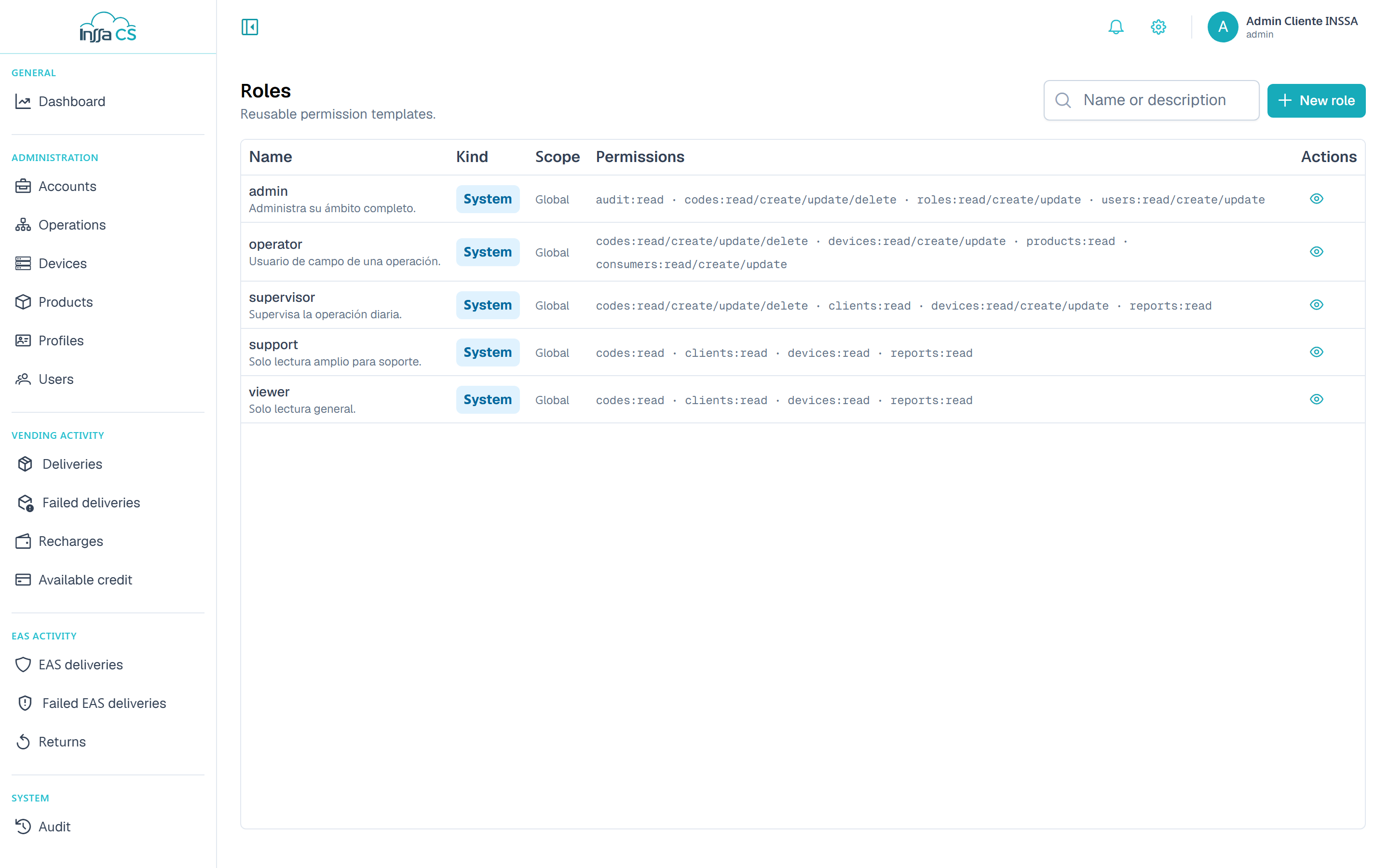
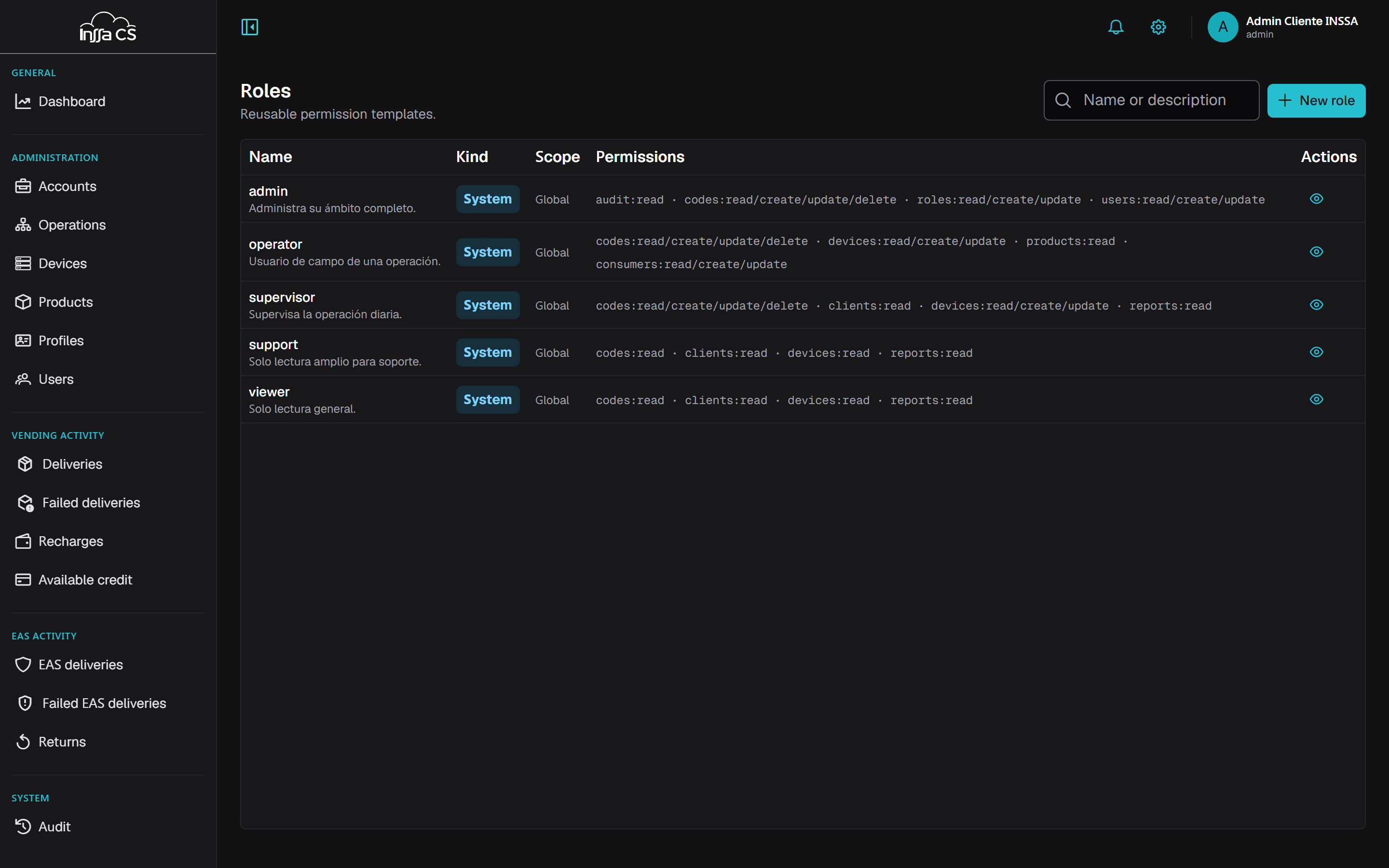
The list
Columns: name, kind (System or Custom), scope and permission count. Search by name or description. You only see roles within your reach.
- System: shipped with the platform and not editable (System roles cannot be modified).
- Custom: created by you.
Creating a role
Name, description and the permission matrix (resource × action: View, Create, Edit, Delete).
- The role is created in your scope.
- You may only tick permissions you hold.
- Tick at least one permission.
- The name is unique: A role with that name already exists.
Permissions are flat: Edit does not imply View. If a role must open a list and modify it, tick both.
Editing and deleting
Edit changes a custom role's name, description and permissions. Every operator holding it gets the new permissions; those with extra permissions keep them on top of the new ones.
The role is its operators' floor and extras only add, so unticking something here takes it away from everyone who does not also hold it as an extra.
Delete only works if no operator uses it: Cannot delete: the role is assigned to users. Reassign first.
How to design them
- One role per actual job (restocking, operation supervision, consumption analyst), not one per person.
- Start small: View where people only read, Edit where they operate.
- Reserve Delete for a few roles: it cascades.
- To add something for one person, use their extra permissions instead of creating a new role.