QR receipts
After a delivery, the device can display a QR code. Scanning it opens that transaction's receipt in a browser, without signing in.
What it shows
- Status: Successful delivery or Failed delivery (with the reason).
- Date, selection, product and total.
- Method: cash, card, subsidy or remote.
- The user, when the delivery used a code.
- For card payments: franchise, last digits, RRN, authorisation, terminal and reference.
- A Share button to send it over WhatsApp, email, etc.
What to expect
| Situation | Message |
|---|---|
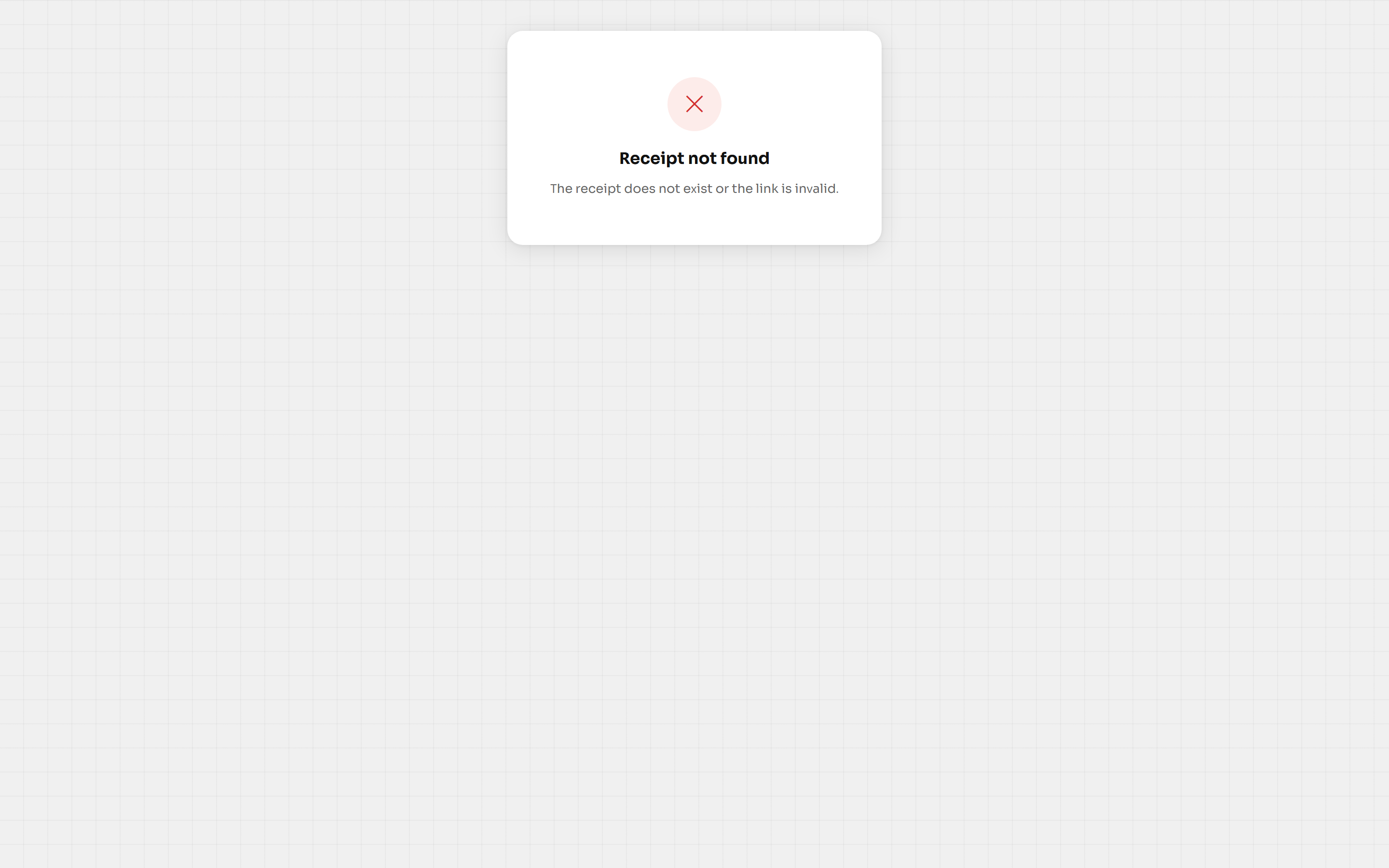
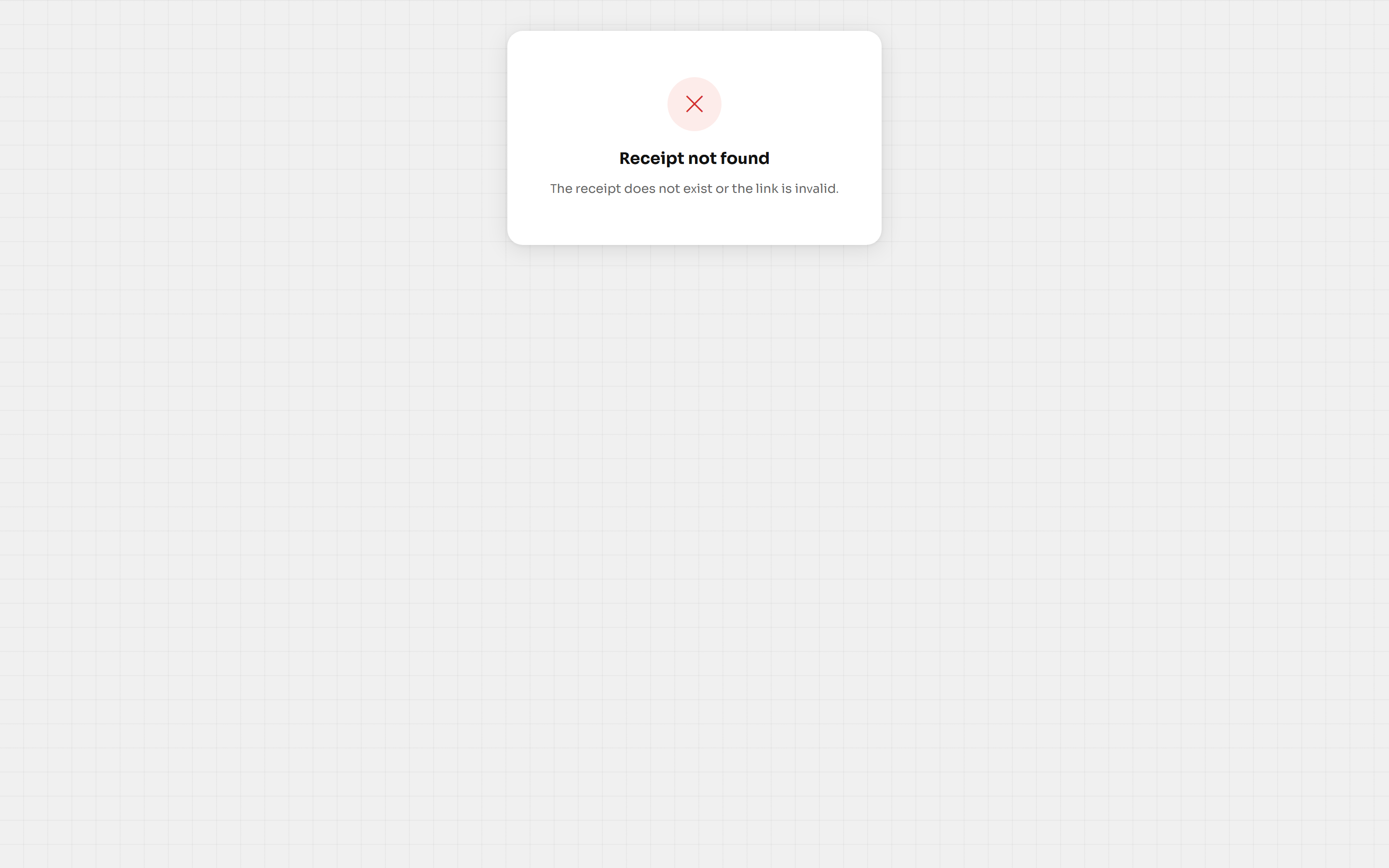
| Invalid link or non-existent transaction | Receipt not found |
| Too many requests in a row | Too many requests. Wait a moment and try again. |
| Server error | Could not load the receipt |
Public, but minimal
The receipt needs no session: anyone with the link can see it. That is why it shows only that transaction's data and never balances, other movements or account details.