Products
A product always belongs to an account and to one business line. It is what gets loaded into a vending device's planogram and what gets enabled in an EAS profile.
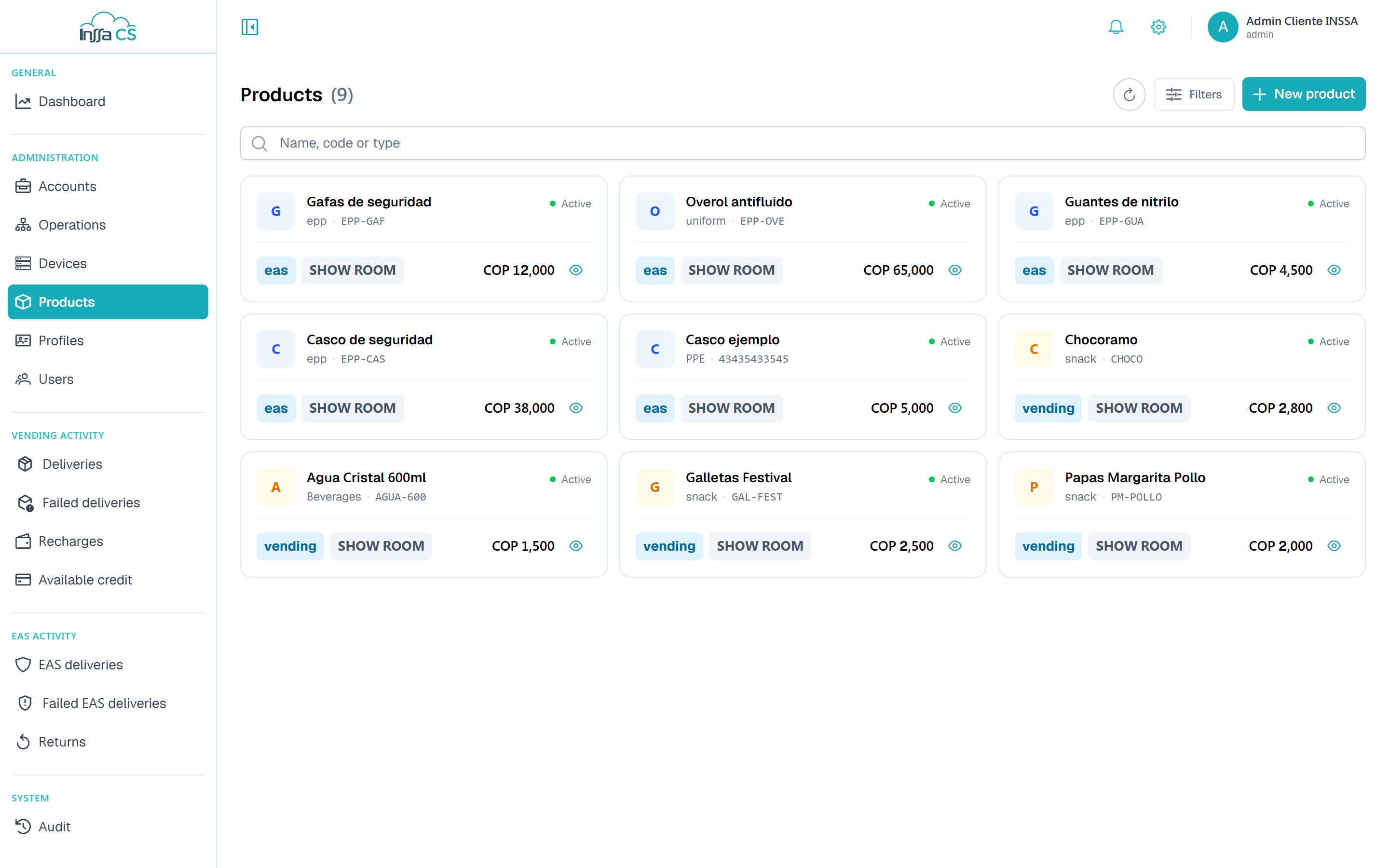
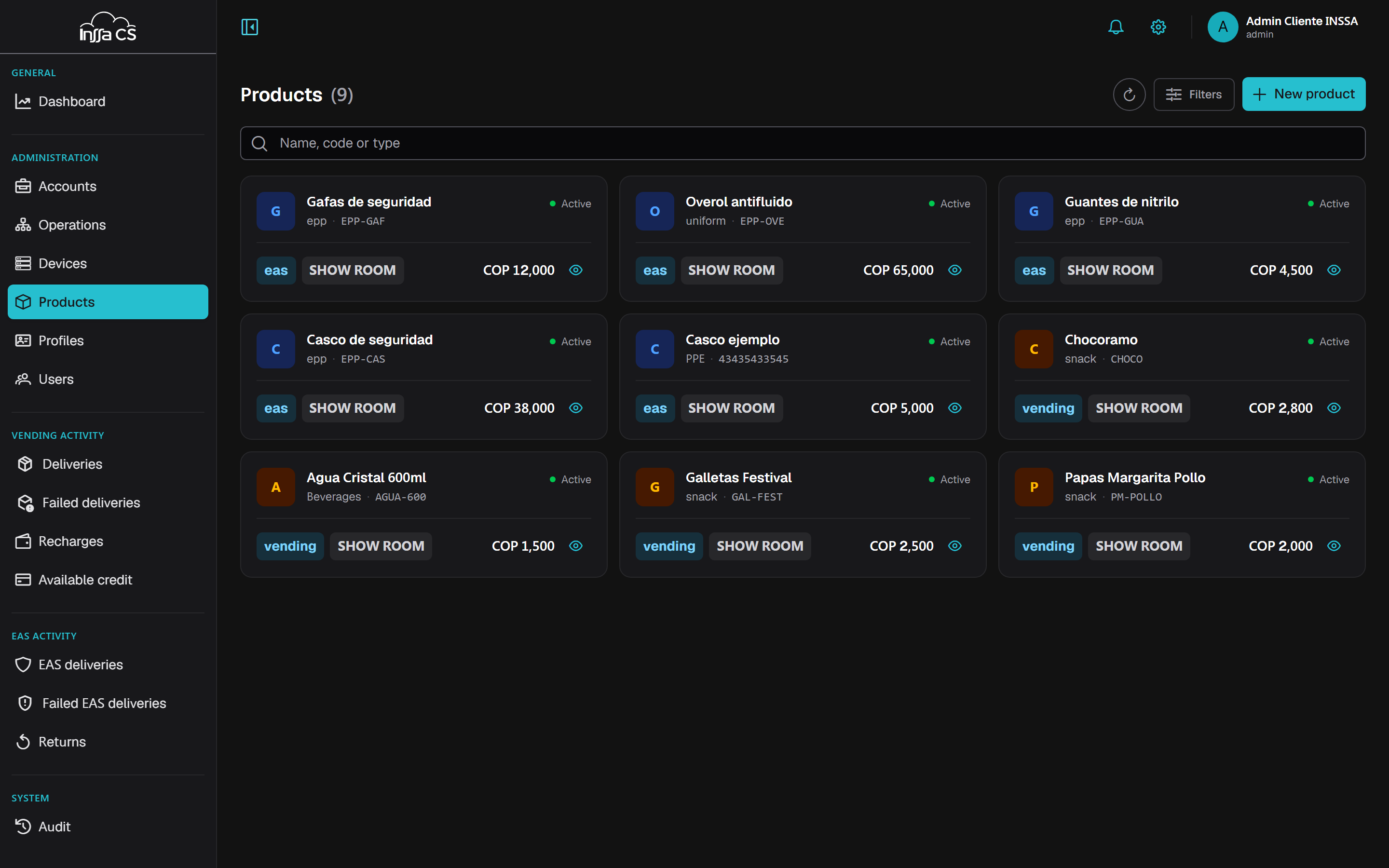
The list
Columns: product, type, line, cost, account and status. Filters: search by name, code or type, business line and status.
Creating a product
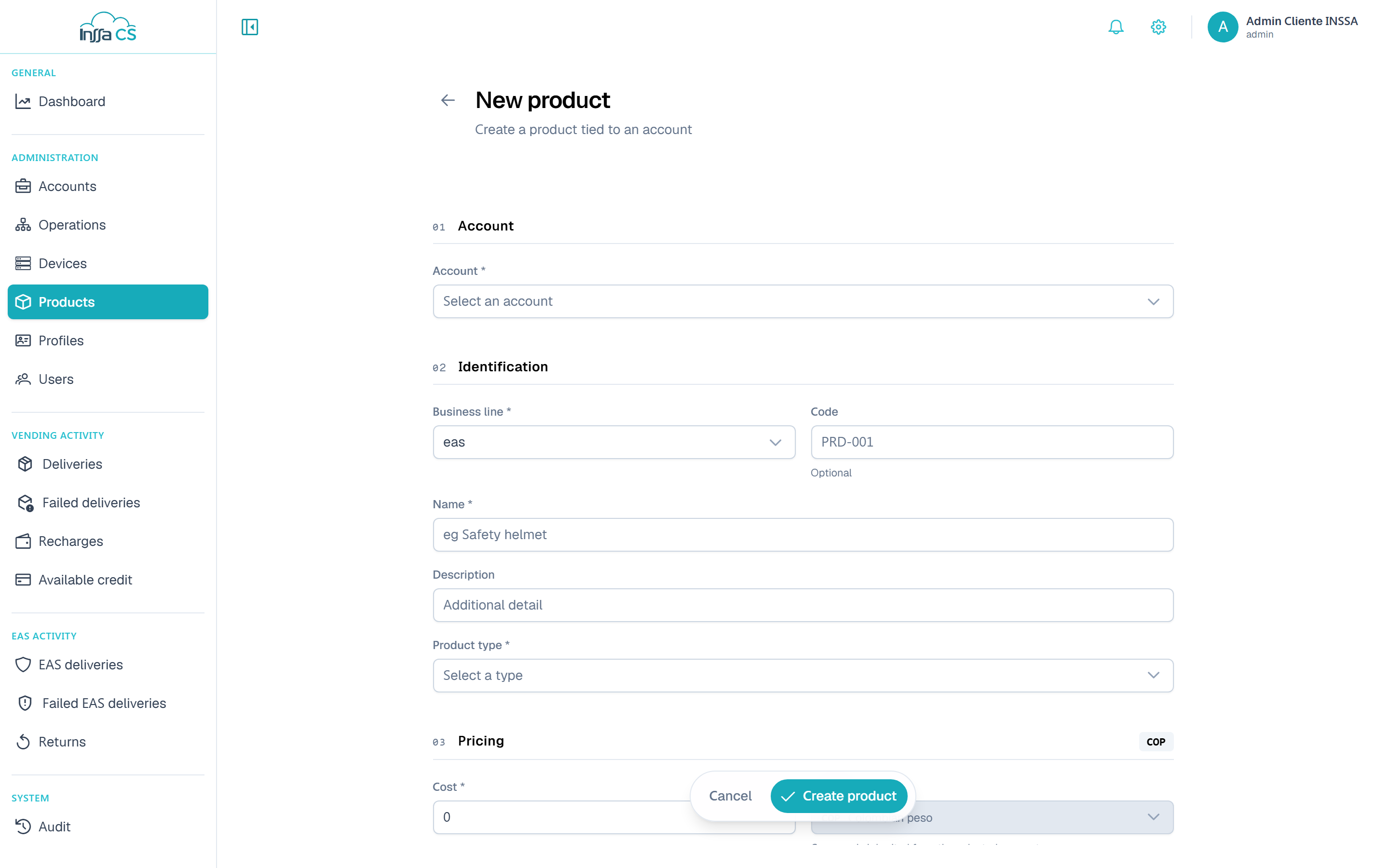
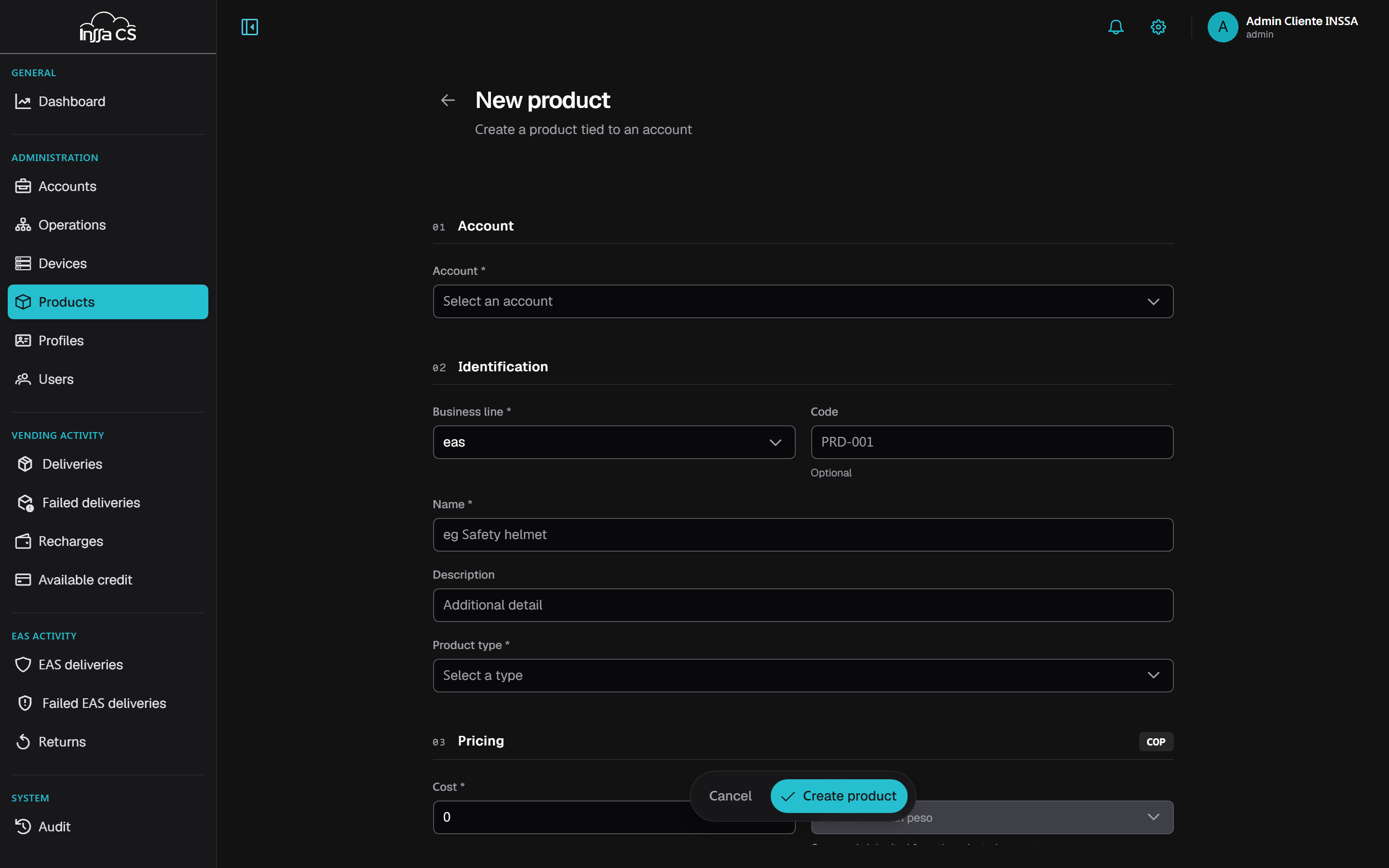
| Section | Fields |
|---|---|
| Account | The product's account. Fixed automatically for account-level sessions. |
| Identification | Business line, name, code (optional, unique per account), description, product type |
| Pricing | Cost, currency (inherited from the account) |
| EAS attributes | Returnable, restrict delivery |
| Vending attributes | Tax rate, list price, suggested price |
Amounts go in minor units (see Amounts and currency).
EAS attributes
- Returnable: the user must bring the item back. Enables tracking in Returns.
- Restrict delivery: no further unit is issued while one is pending return.
This policy lives on the product, not the profile: change it here and it applies to every profile that includes it.
Vending attributes
Tax rate feeds the subtotal/tax breakdown on deliveries. List price and suggested price are commercial references: the actual charge is reported by the device.
Detail and editing
The panel shows identification, pricing, per-line attributes and the Returnable / Restricted delivery tags. Edit → Save changes.
Delete
Deleting the product removes it:
- from the planogram of every machine holding it;
- from the EAS profiles that include it.
Historical dispensations are kept. Requires typing the name and cannot be undone.