Operators
An operator is someone who signs into this panel. Not to be confused with consumer users, who consume at the machines (see Users).
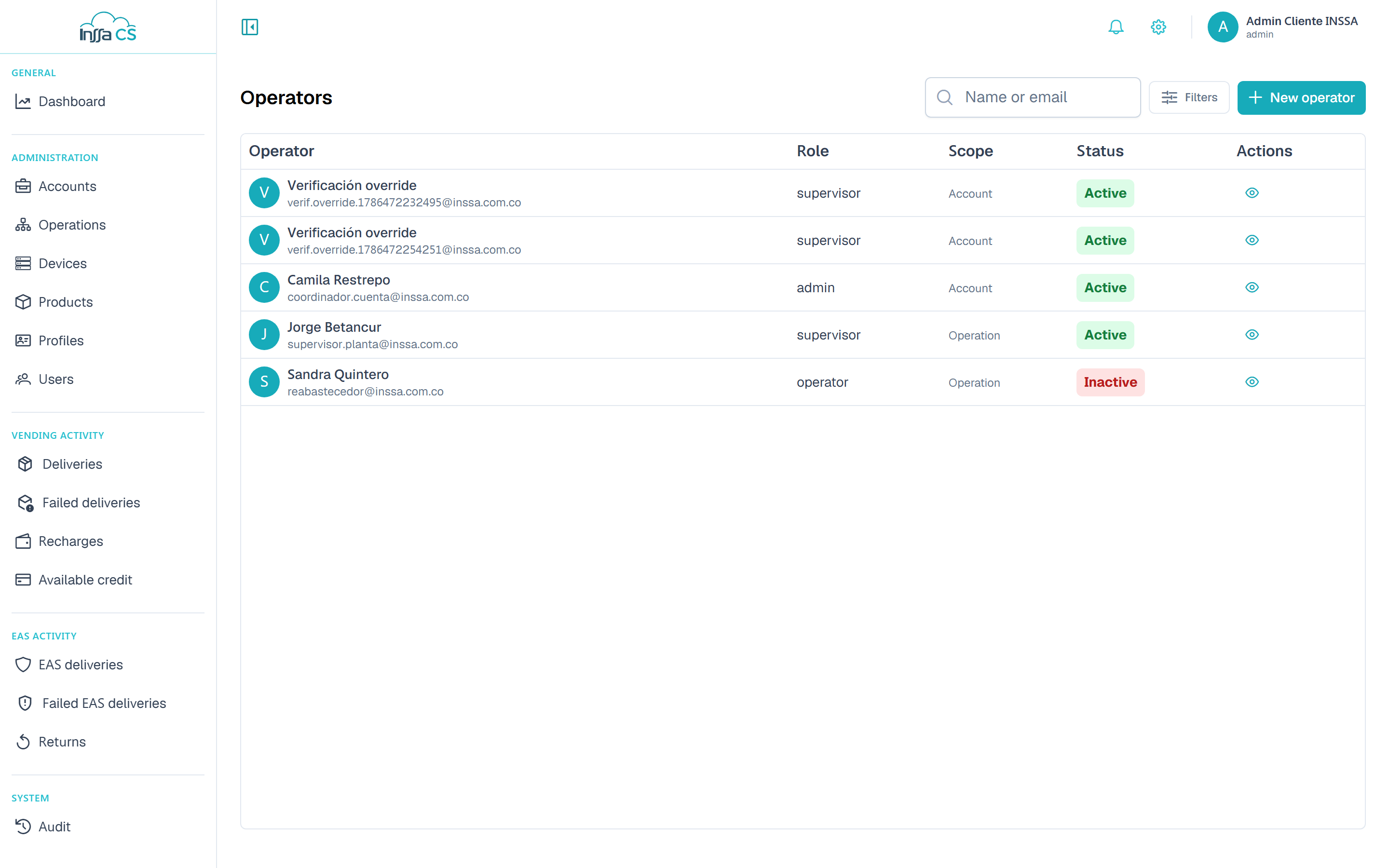
The list
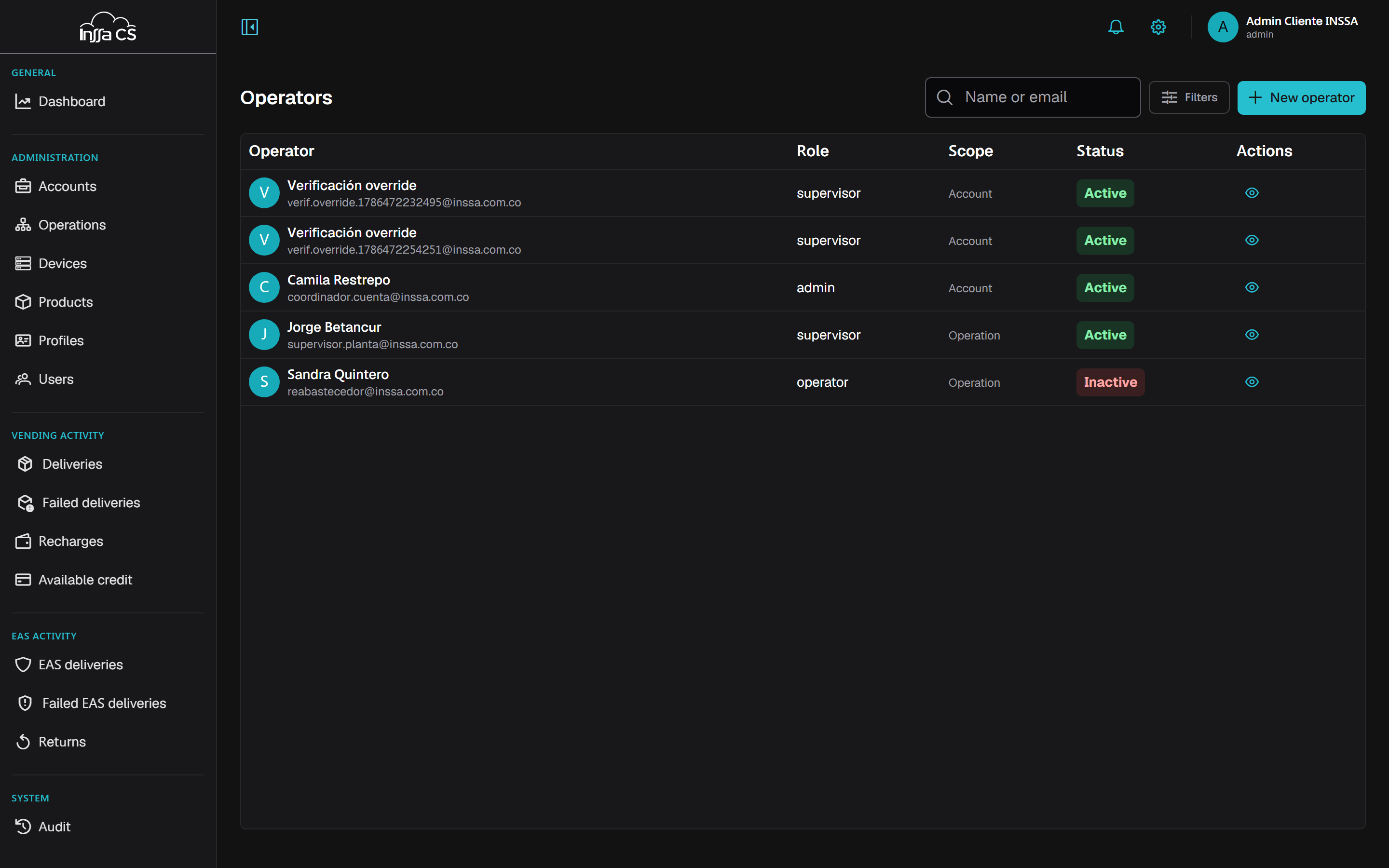
Columns: operator (name and email), role, scope, status. Search by name or email and filter by account. You only see operators under your charge: your level and below.
Creating an operator
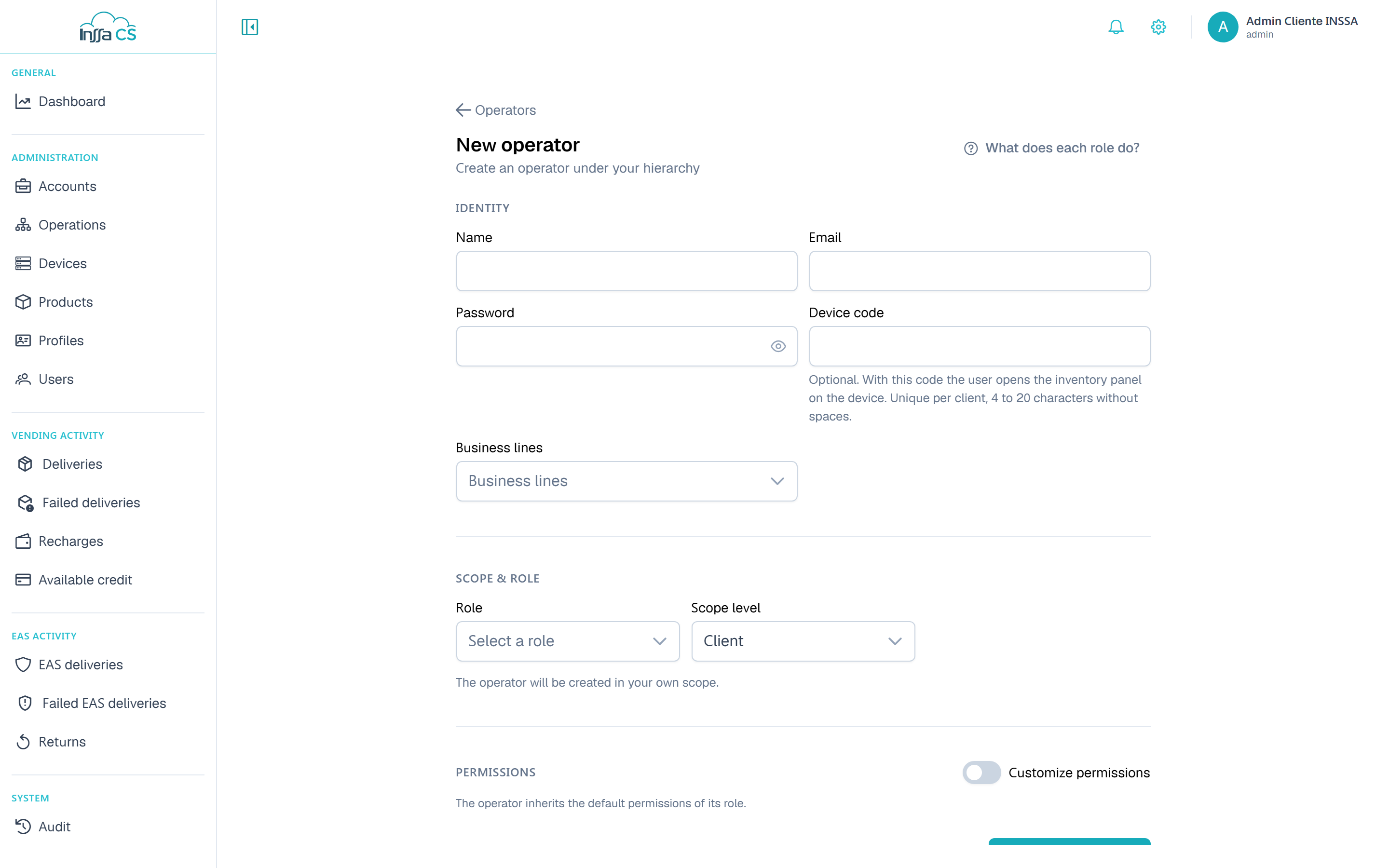
| Section | Fields |
|---|---|
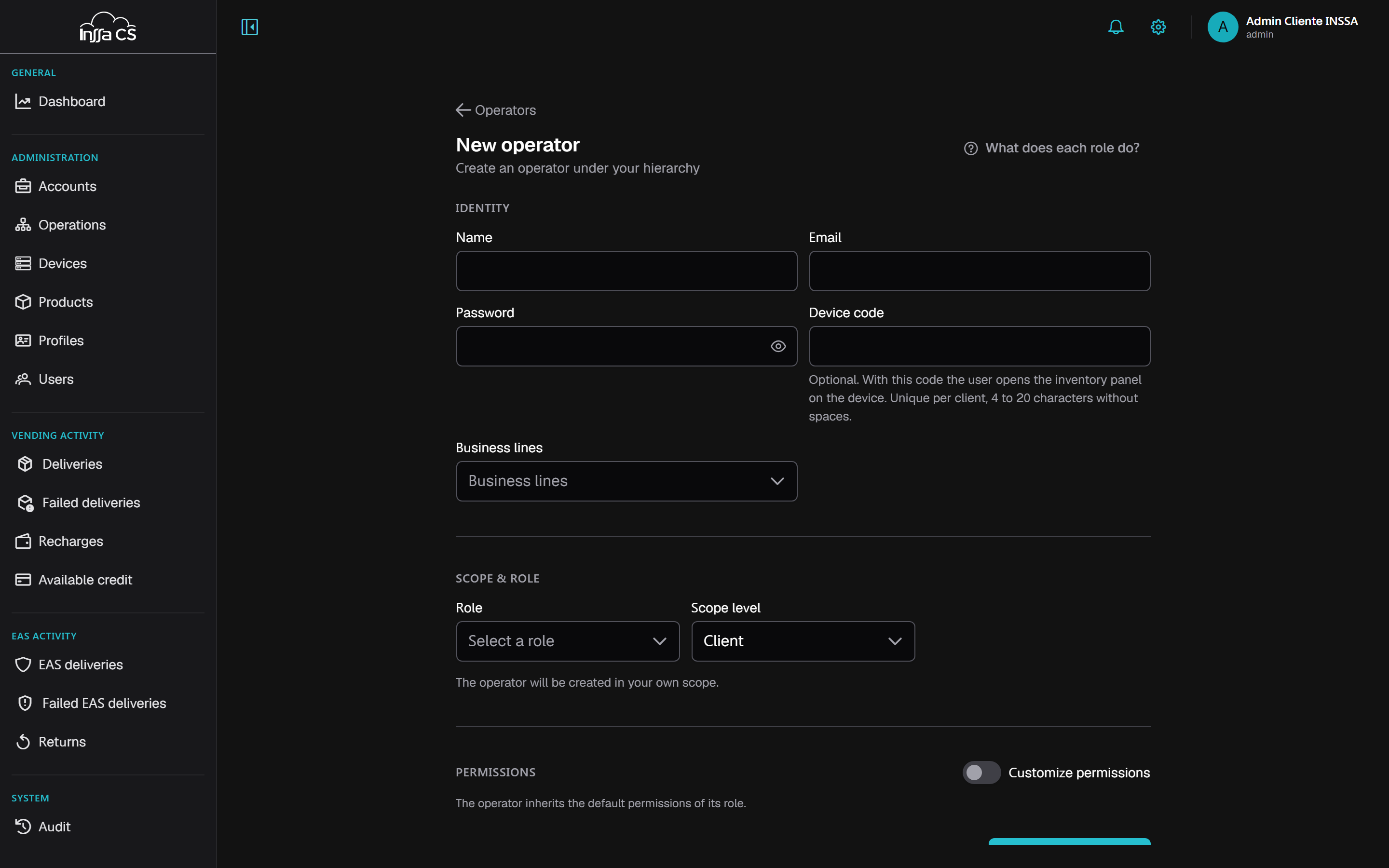
| Identity | Name, email, password, device code (optional) |
| Scope and role | Scope level (client / account / operation), target entity, role, business lines |
| Permissions | Inherit from the role or customise |
Rules the app enforces:
- The operator lands at your scope or below. Stepping outside gives You cannot create or edit users outside your hierarchy.
- You cannot grant permissions you lack: You cannot grant permissions you do not have.
- Email is unique: The email is already registered.
Role and permissions
What does each role do? opens the role guide with each role's permissions. Leave permissions untouched and the operator gets exactly the role's.
Enabling Customise permissions shows the full matrix with the role's already ticked and locked (Granted by the role): whatever you tick on top are extra permissions that add up. Unticking something from the role does nothing — to remove it, change the role. See Permissions and scope.
Device code
Optional. With it, the operator opens the inventory panel on the machine. 4 to 20 characters, no spaces, unique per client. Global operators do not carry one (Global users do not have a device code).
Detail and editing
The detail shows role, scope, lines, device code and effective permissions.
Edit changes name, role, lines, permissions, status and code. To change the password, type a new password; leaving it empty keeps the current one. Emptying the device code disables access to the inventory panel.
Deactivating
An inactive operator cannot sign in (Operator inactive). It is the preferred route when someone leaves: it preserves their trail in Audit.