Operations
An operation is a site or physical point of the account: devices are installed there and operation-level codes live there.
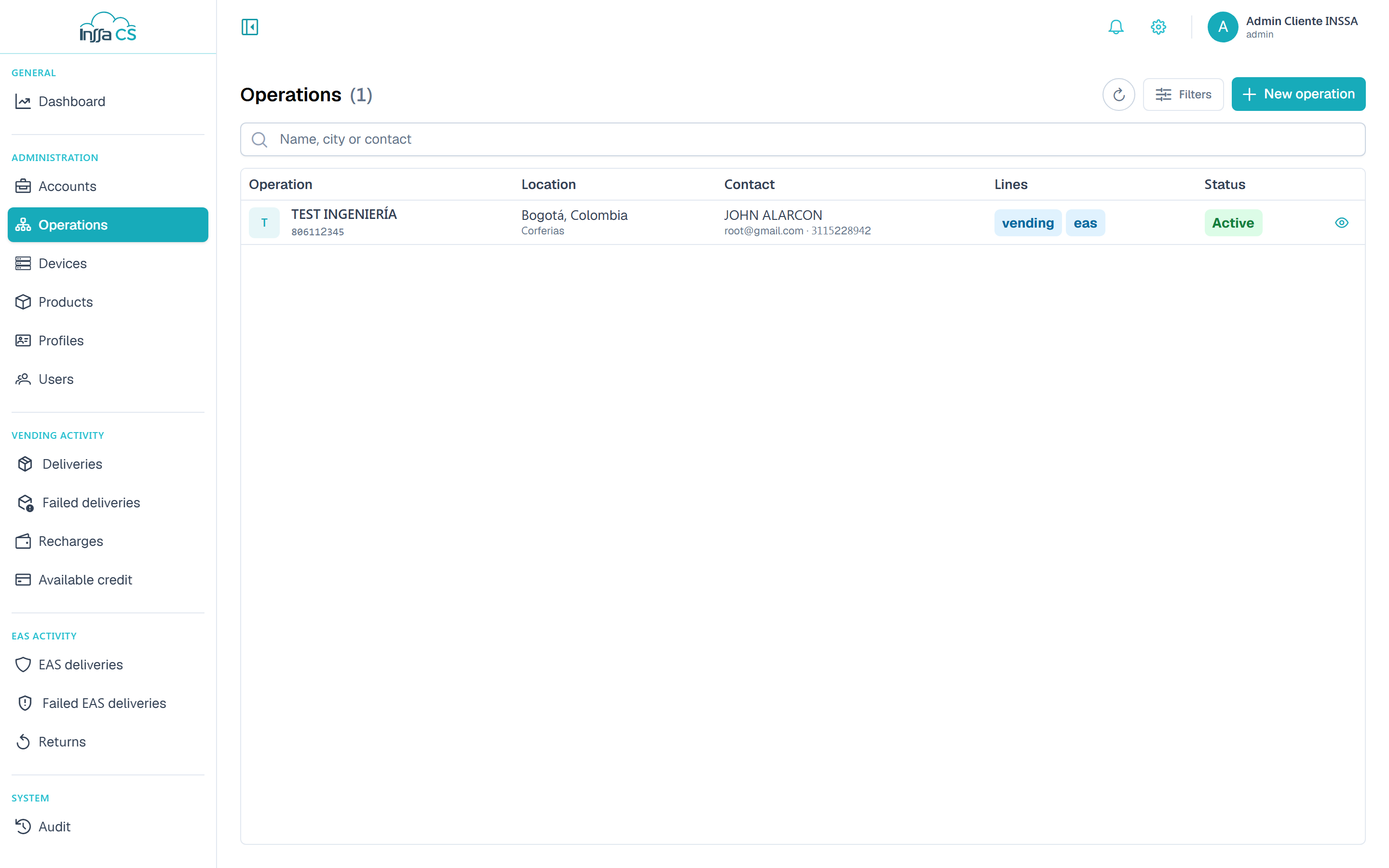
The list
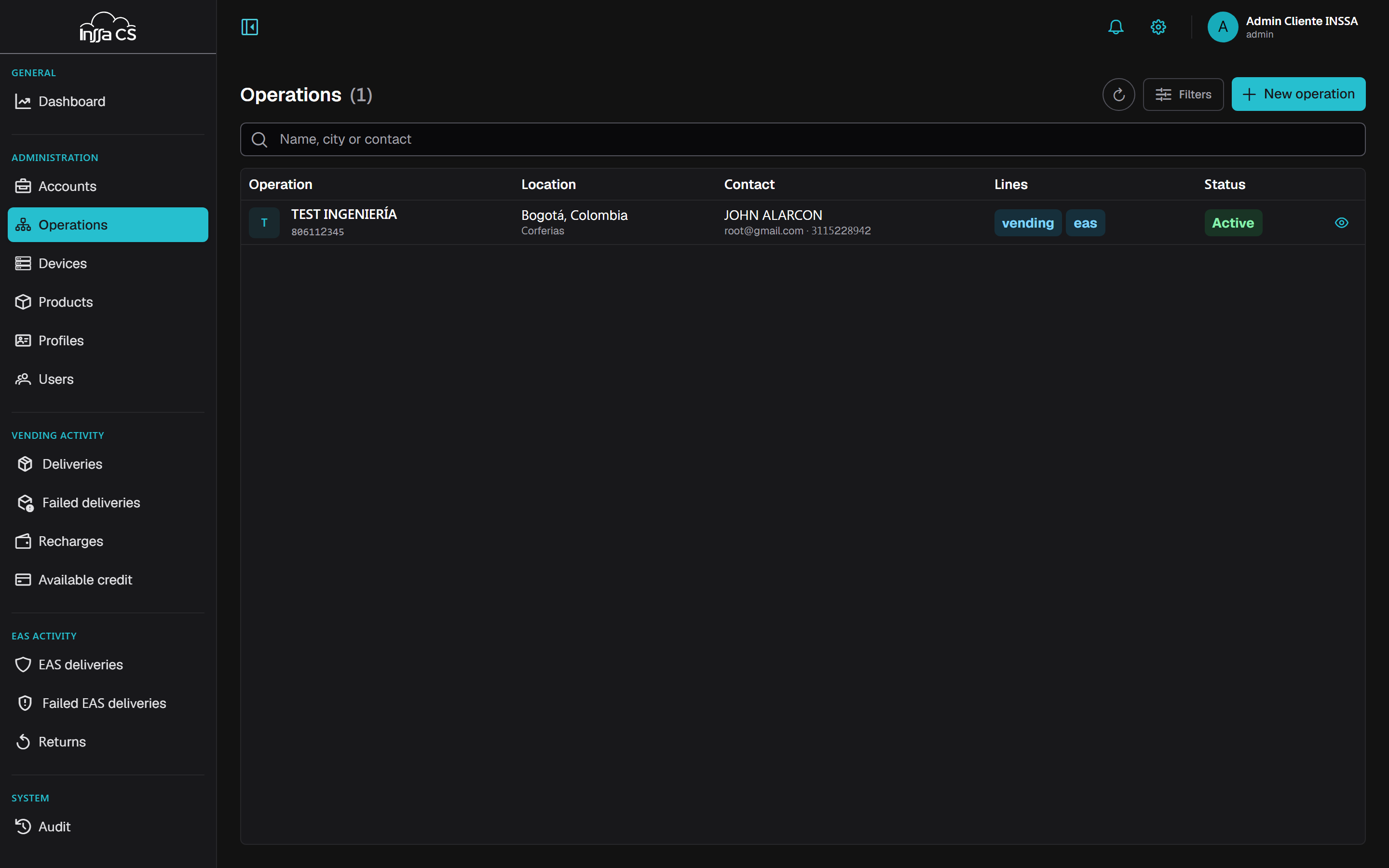
Columns: operation, location, contact, lines and status. Filters: search by name, city or contact, business line and status.
Creating an operation
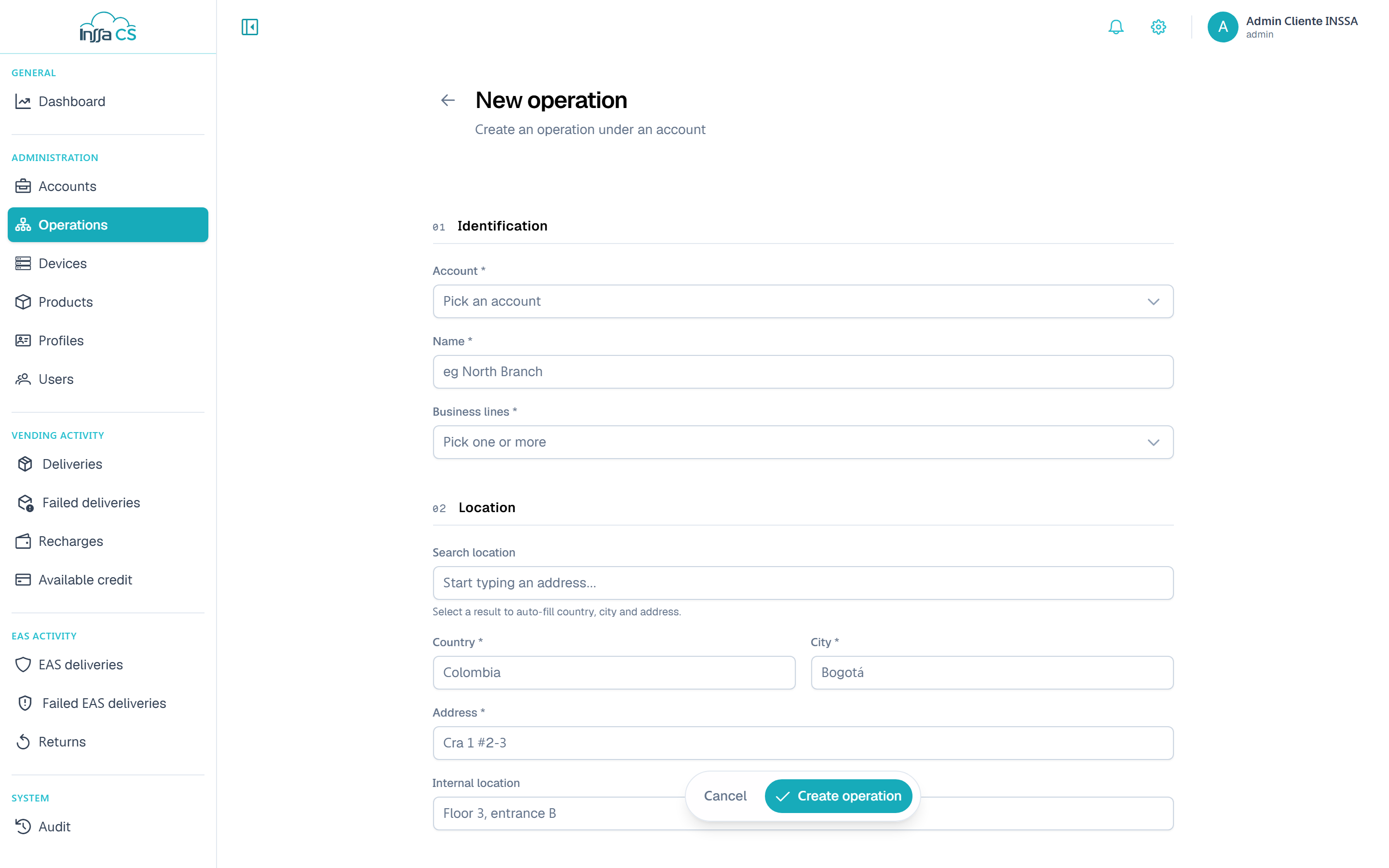
| Section | Fields |
|---|---|
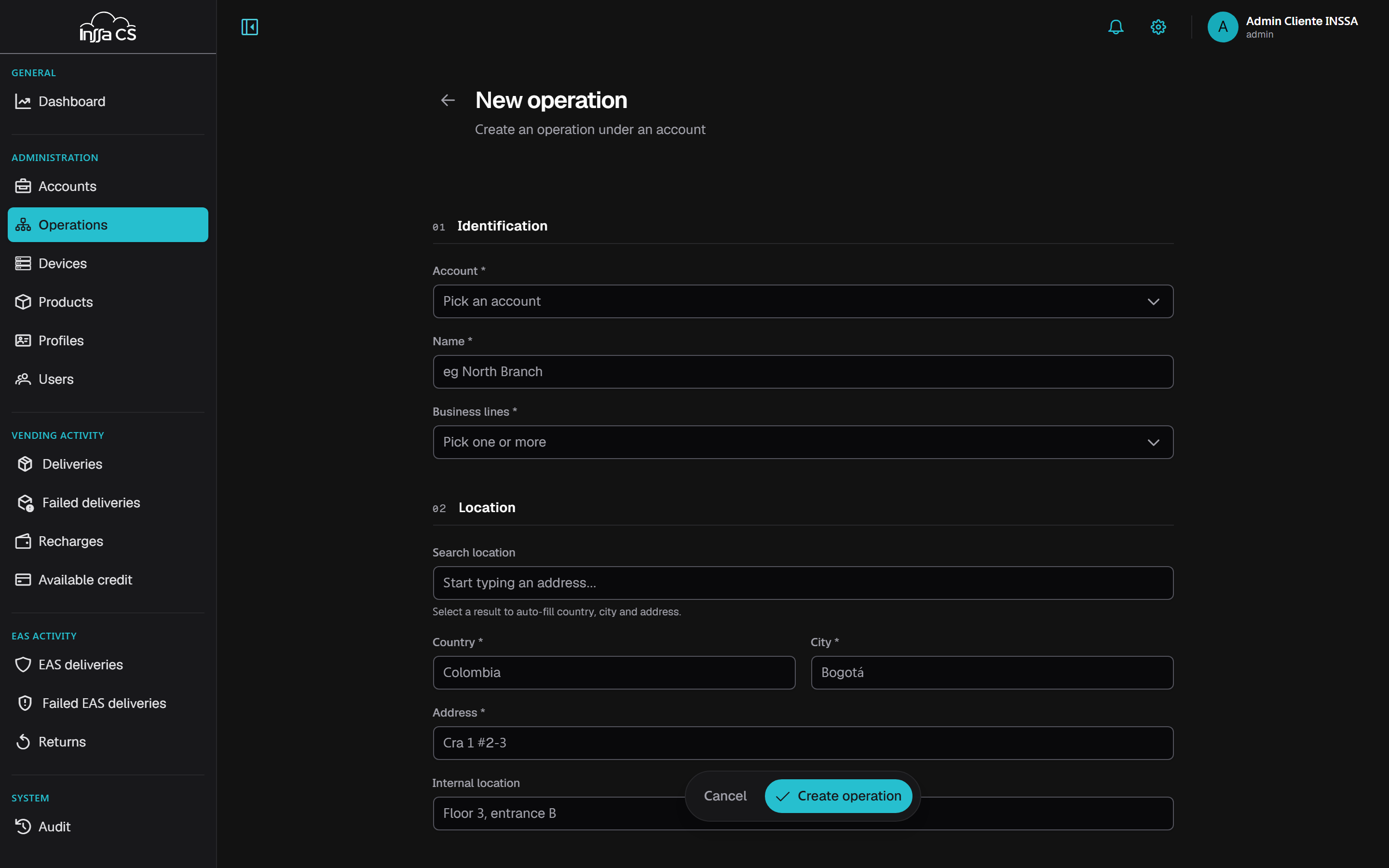
| Identification | Account, name, business lines (only those the account has) |
| Location | Address search, country, city, address, inner location and map |
| Contact | Name, email, mobile and phone |
The location search fills country, city and address when you pick a result. You can then drag the map marker to fine-tune the coordinates.
Inner location is the reference inside the site (3rd floor, entrance B).
Enabling a line the account lacks returns The business line is not enabled on the account. The selector only offers lines you handle.
Operations are created by a global, client- or account-level operator. If your scope is an operation, you only see your own and New operation does not appear.
Detail and editing
The detail panel shows identification (including the client's tax ID and the inherited currency), location, contact and dates. Edit → Save changes.
Deactivate and activate
Deactivating takes the operation out of service; re-enabling is just as easy. You cannot deactivate the operation you belong to —the button is not there— although you can edit it.
Delete
Cascades over:
- the operation's devices;
- the operation's profiles;
- user codes of that operation (the user itself is kept);
- operators scoped to the operation.
The movements ledger is kept. Requires typing the name and cannot be undone.