Deliveries (Vending)
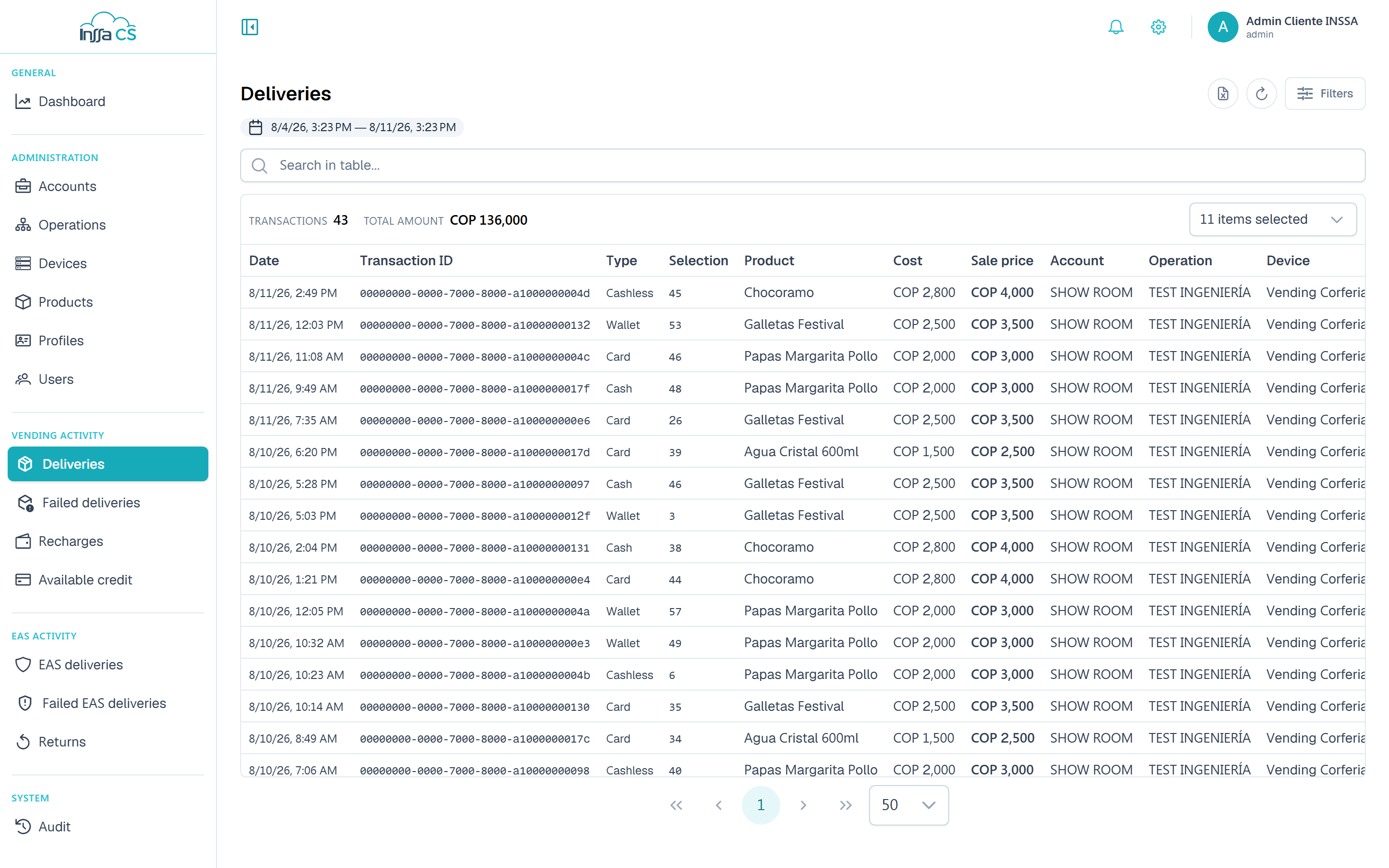
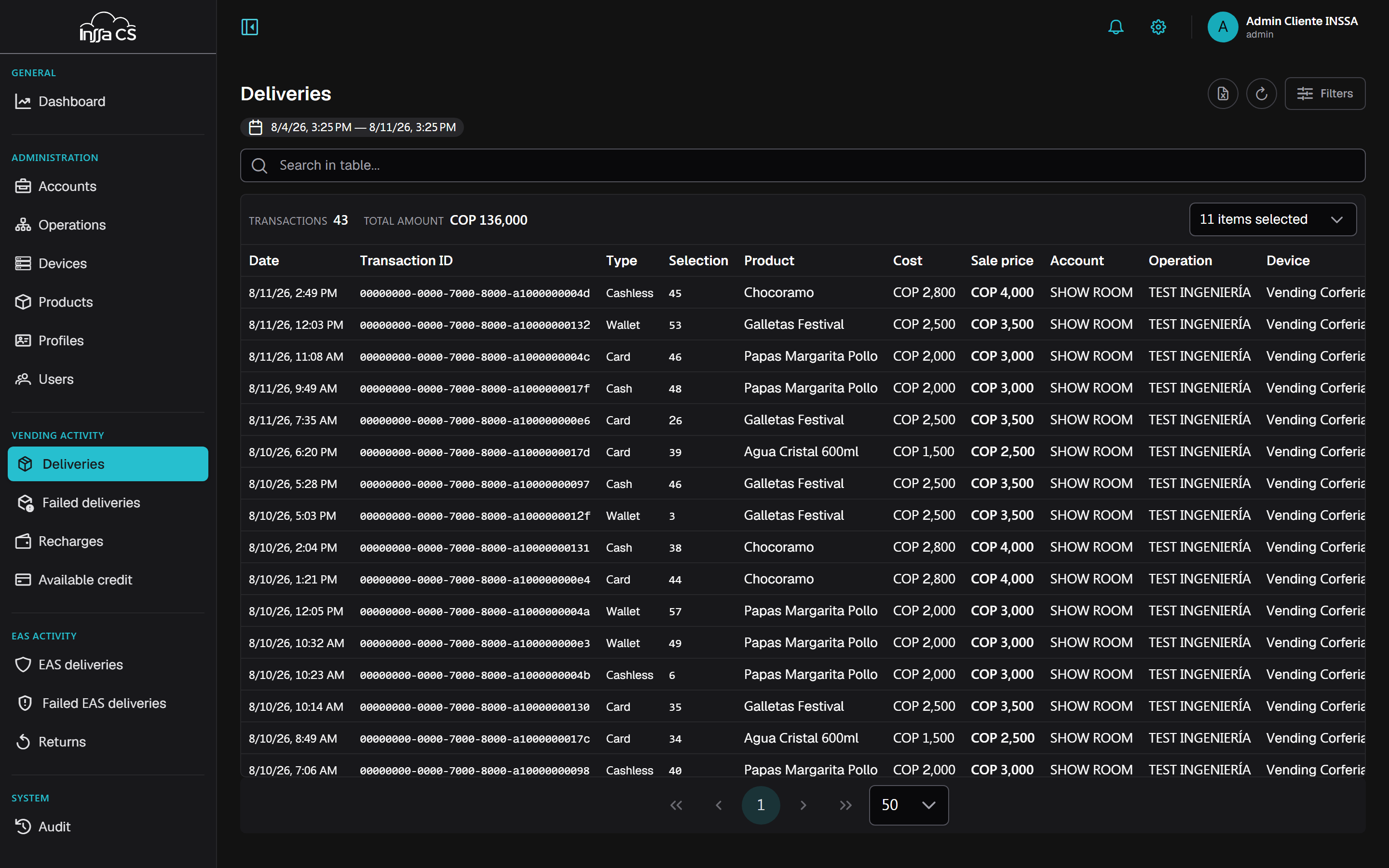
Lists successful deliveries of the vending line: the product left the machine and was charged.
Filters
The Filters panel:
| Filter | Note |
|---|---|
| Date range | Presets 24h · 7 days · 30 days, or custom (From / To). |
| Types | Cash, Subsidy, Card terminal, Wallet, Bre-B, Remote delivery. |
| Account / Operation / Device | They cascade. |
| Device serial | Direct lookup by serial. |
| User ID number | Every delivery of one person. |
Applied filters show up as chips under the bar, each with its value: remove them one by one without reopening the panel. A counter shows how many are active. The table search box filters what is already loaded; Load more fetches the next block from the server.
Summary
Inside the columns bar: number of transactions, total value and the breakdown by type. With several currencies, the total uses the predominant one and the app says so.
Columns
Chosen with the Columns selector. Available:
| Group | Columns |
|---|---|
| When / what | Date, Transaction ID, Type, Selection, Product |
| Money | Cost, Sale value, Subtotal, Tax %, Tax $, Profit, Profitability, Margin |
| Payment | Balance, Top-up, Amount paid, Franchise, Card, Authorisation |
| Where | Account, Operation, Device, Serial, Controller serial |
| Who | User, ID number, Code type |
Balance and Top-up are the cashless charge split: how much came from the subsidy and how much from the user's top-up (see Balances).
There is no per-delivery record: what you see is whatever you pick under Columns. On mobile each movement renders as a card with all of its fields, so there is nothing to choose there.
Export
Export Excel builds the file on the server with the applied filters. You can keep browsing: the app notifies you when it is ready and downloads it. See Export.
Only successful ones
Attempts that did not complete are in Failed deliveries. EAS ones are in EAS deliveries.