Failed deliveries
Vending movements › Failed deliveries · EAS movements › Failed EAS deliveries
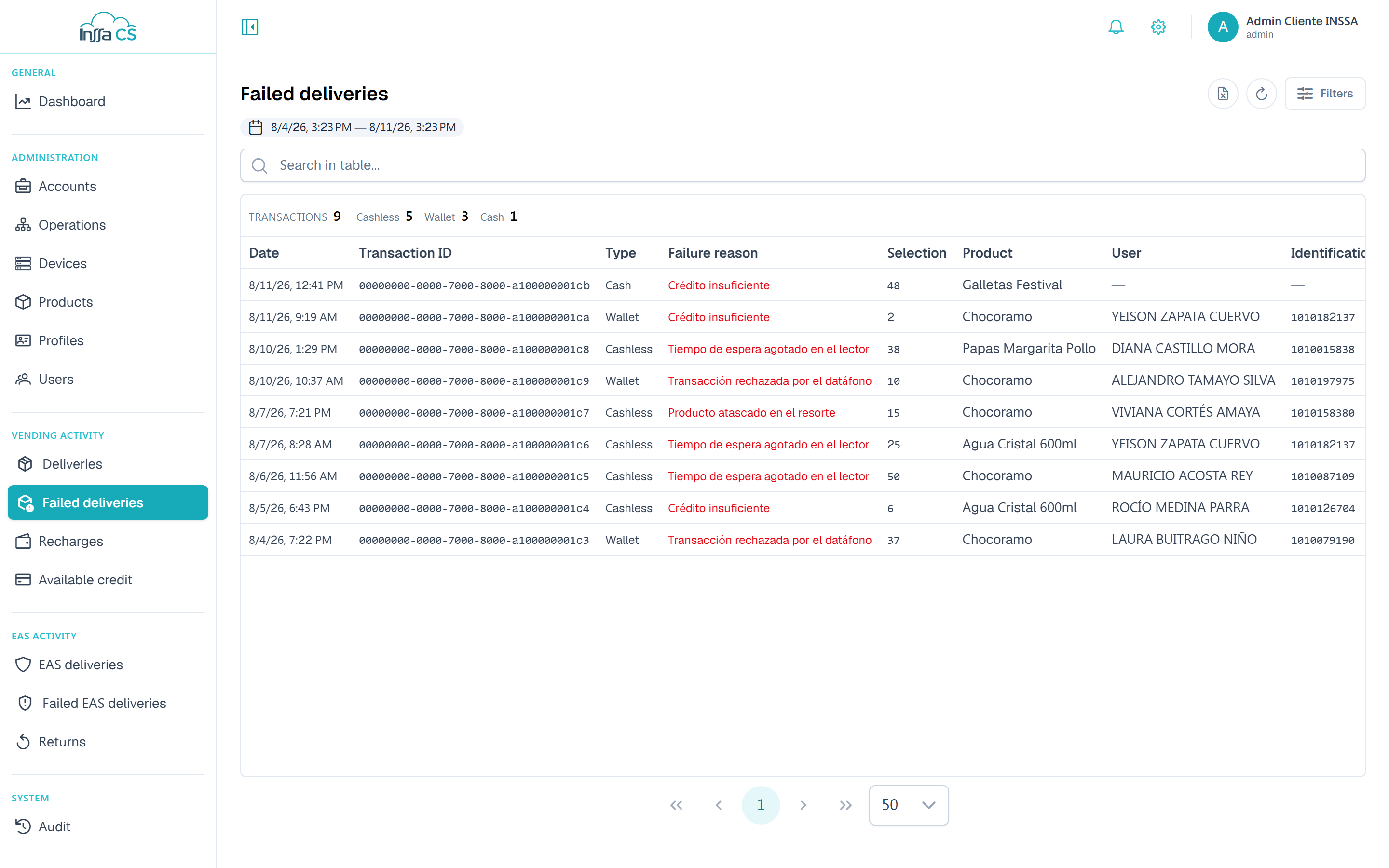
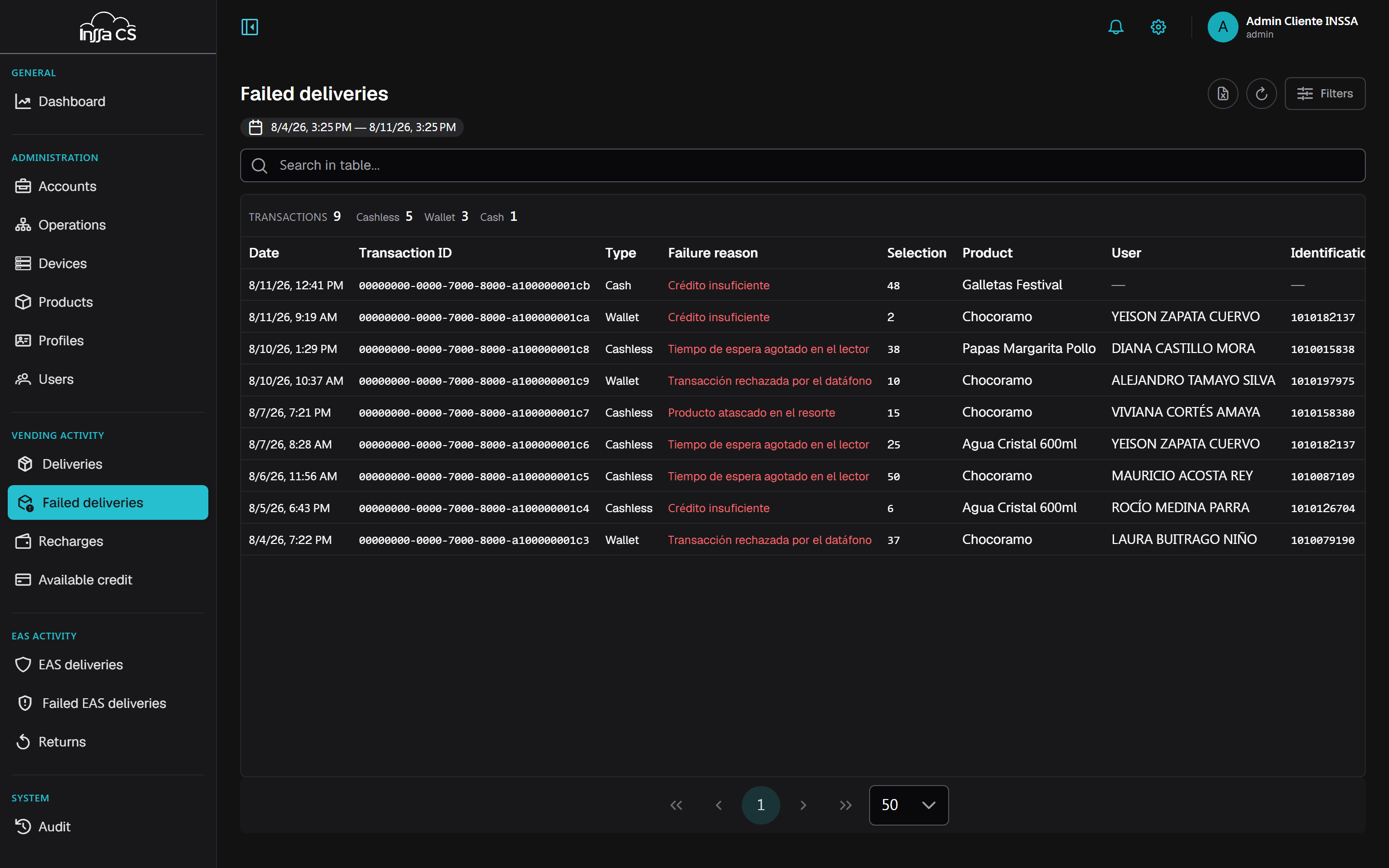
Same filters as successful deliveries, plus the Failure reason column. They are two separate screens, one per business line. No cost, value or profit columns: there was no sale.
What it is for
The first place to look when someone says "the machine didn't give me anything". Each row is an attempt the device recorded and did not complete.
The Failure reason is text reported by the device, not a closed list in the app: depending on the machine model you may see anything from a mechanism error to a payment decline.
What to check per pattern
| Pattern | Where to look |
|---|---|
| One user, several machines | Their credit and profiles: Available credit, Codes. |
| One user, one machine only | The authorised devices of their profile: Profiles. |
| Every user of one profile | Consumption days, or the profile's quota/frequency. |
| Every user of one machine | Inventory and machine status: Inventory, Devices. |
| Card payments only | Reader declines; cross-check with Reader declines in the Dashboard. |
| Scattered failures on one selection | A jammed or misconfigured slot in the planogram. |
Summary
Shows the count for the filtered period and, for EAS, the breakdown by type. A reason repeating on one machine or one operation is almost always configuration: profile, consumption days or inventory.
Export
Export Excel respects the filters and includes the failure reason. See Export.