Available balance
A snapshot of available money per code, not per user: someone with two codes shows up twice.
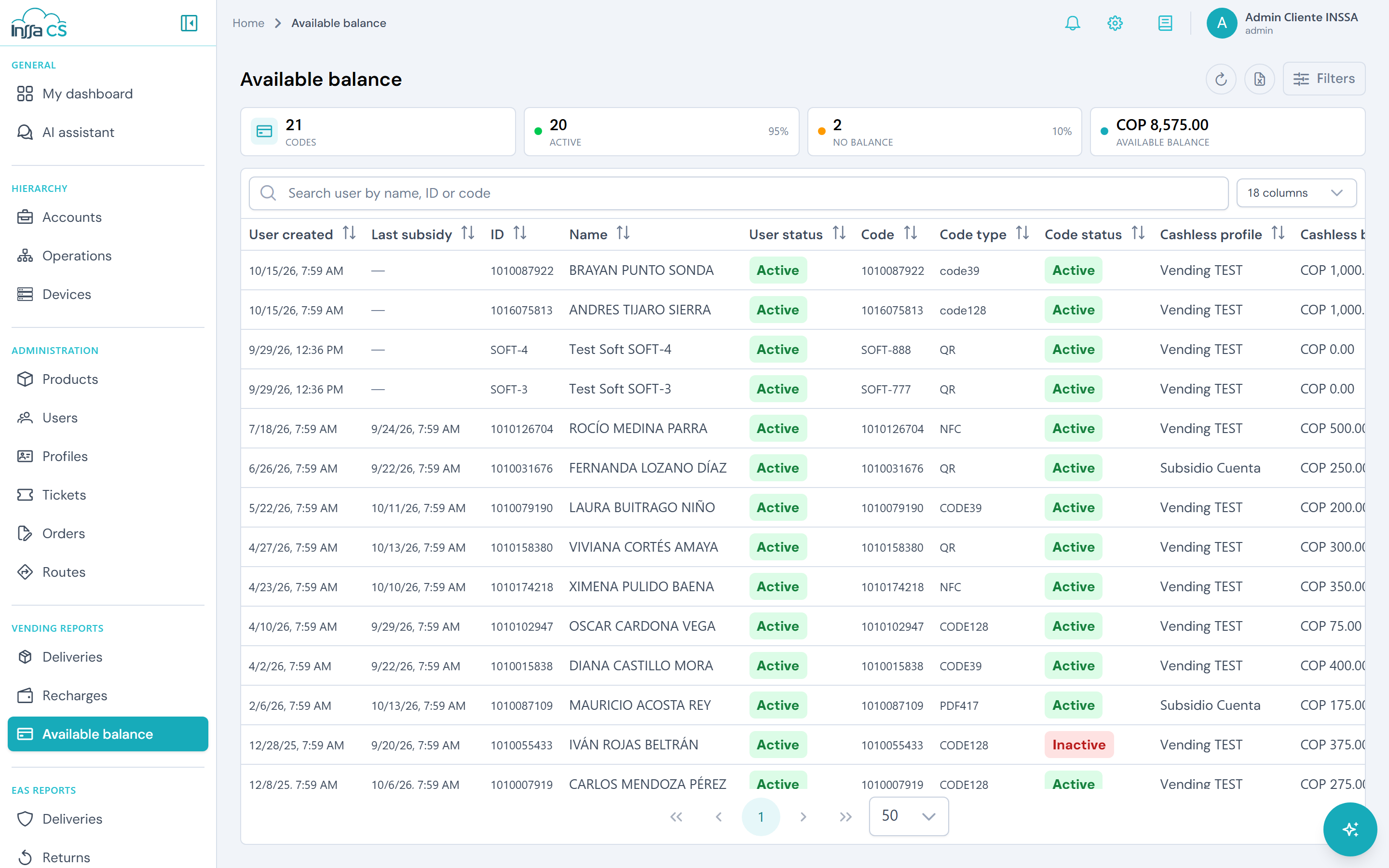
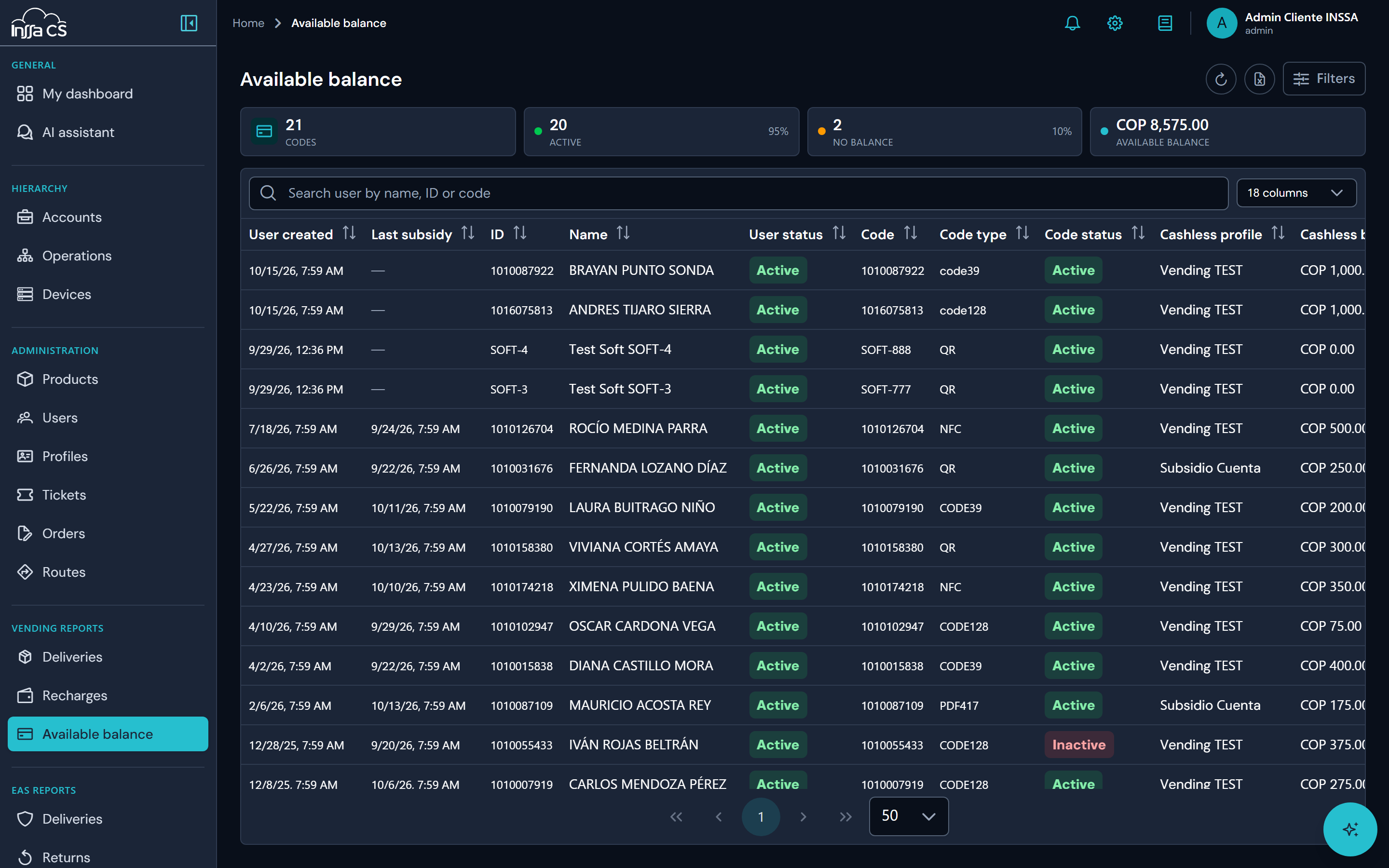
The cards at the top count the codes, the active ones and those without balance, plus the available balance (subsidy + top-up) added up: one card per currency, never a mixed sum. The list shows the most recently created users first.
Columns
| Column | What it shows |
|---|---|
| User created | When the user was registered. |
| Last subsidy | Last profile credit. |
| ID / Name | Who they are. |
| User status | Active or inactive. |
| Code / Code type / Code status | The code and its status. |
| Cashless profile | Assigned VENDING profile. |
| Cashless balance | Pot credited by the profile. |
| Recharge balance | Pot loaded by the user. |
| Accumulable | Whether the profile adds to or replaces the balance each period. |
| Code created / Last recharge | Age and latest deposit. |
Each user tag of the account can also be added as a column.
Filters and search
Account (all or one) and Operation (all or one). Search is by name, ID number or code. The footer states how many records the filter returns.
Typical uses
- Spot who is running out of balance before they complain.
- Detect active codes belonging to inactive users (or vice versa).
- Check whether a non-cumulative profile is burning balance every period.
- Audit that codes carry the right profile.
Export
Export Excel with the applied filters. See Export.