Fingerprints
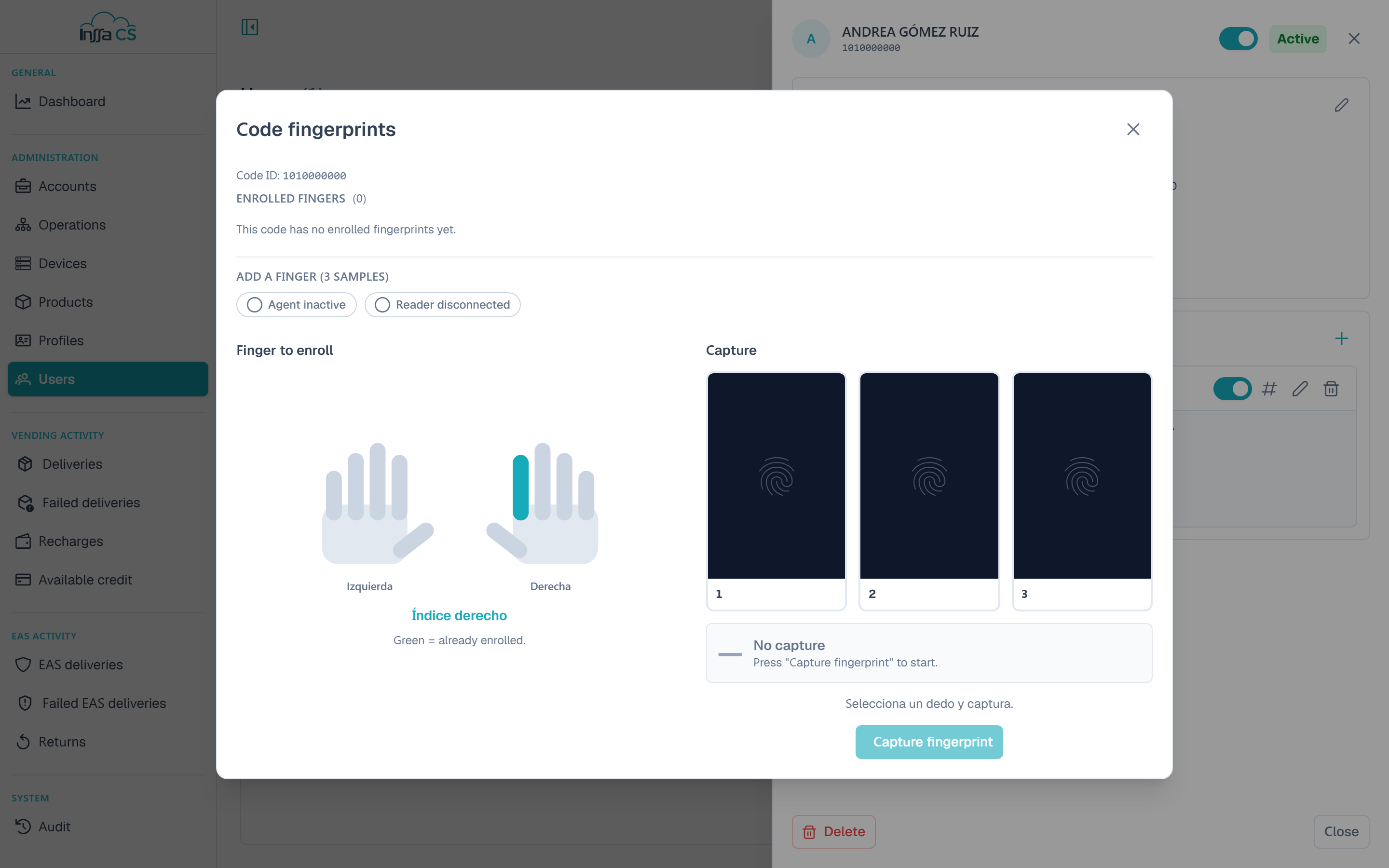
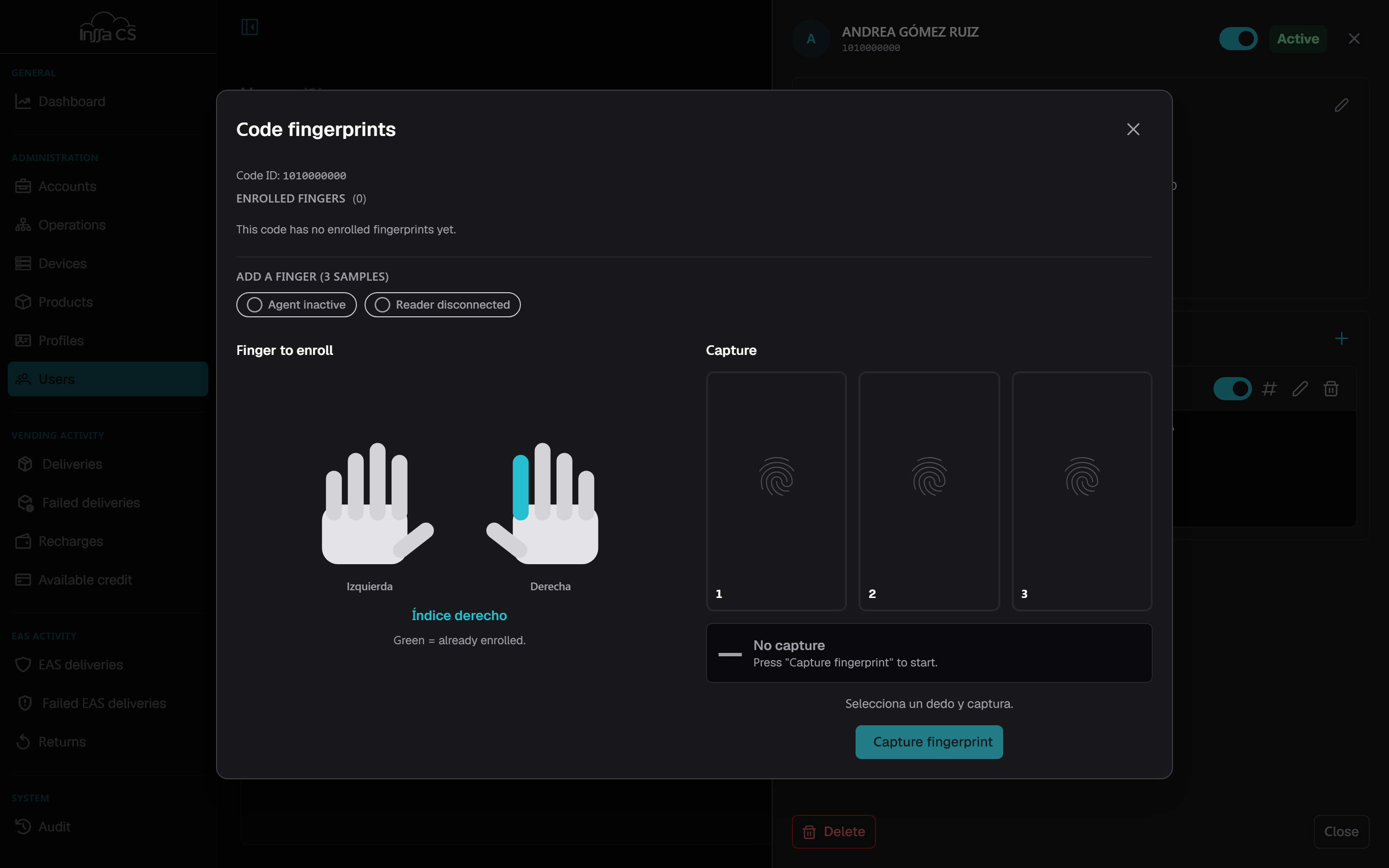
A FINGERPRINT code identifies the user by their fingerprint. Each finger is enrolled with 3 samples.
Requirements
- The local agent (InssaBio) must be running on the machine.
- The reader must be connected.
The manager shows two indicators: Agent active / inactive and Reader connected / disconnected. If the agent does not answer you see Local agent (InssaBio) not detected: open it, connect the reader and retry.
Enrolling a finger
- Open Manage fingerprints on the code.
- Pick the finger on the hand diagram. Green ones are already enrolled.
- Capture fingerprint and place the finger; repeat until the 3 samples are complete. Each take can be retaken.
- Save fingerprint.
Restart discards the takes and starts over.
Recapturing
Recapture replaces the 3 samples of an already enrolled finger (useful when recognition fails). It can be cancelled before saving.
Deleting a finger
Delete finger removes that finger and its samples. Not undoable. The code still exists; with no fingerprints left it cannot identify the user at the machine.
Limits and messages
| Message | Meaning |
|---|---|
| The code is not a fingerprint code | Only FINGERPRINT codes support enrolment. |
| The code already has the maximum number of fingerprints | No room for more fingers on that code. |
| No valid fingerprint received | The capture was unreadable: clean the sensor and repeat. |
| The fingerprint is already enrolled | That fingerprint exists (on this code or another). |
Not available in bulk
Fingerprints cannot be loaded in bulk: they are always captured with the reader.