Devices
A device is the machine installed in an operation: a vending dispenser or an EAS module.
Registering a new device, registering its controller (ICS), attaching it and managing its licence happen in INSSA's internal console. Your panel views, edits, moves, deactivates and deletes existing devices, and manages their inventory.
The list
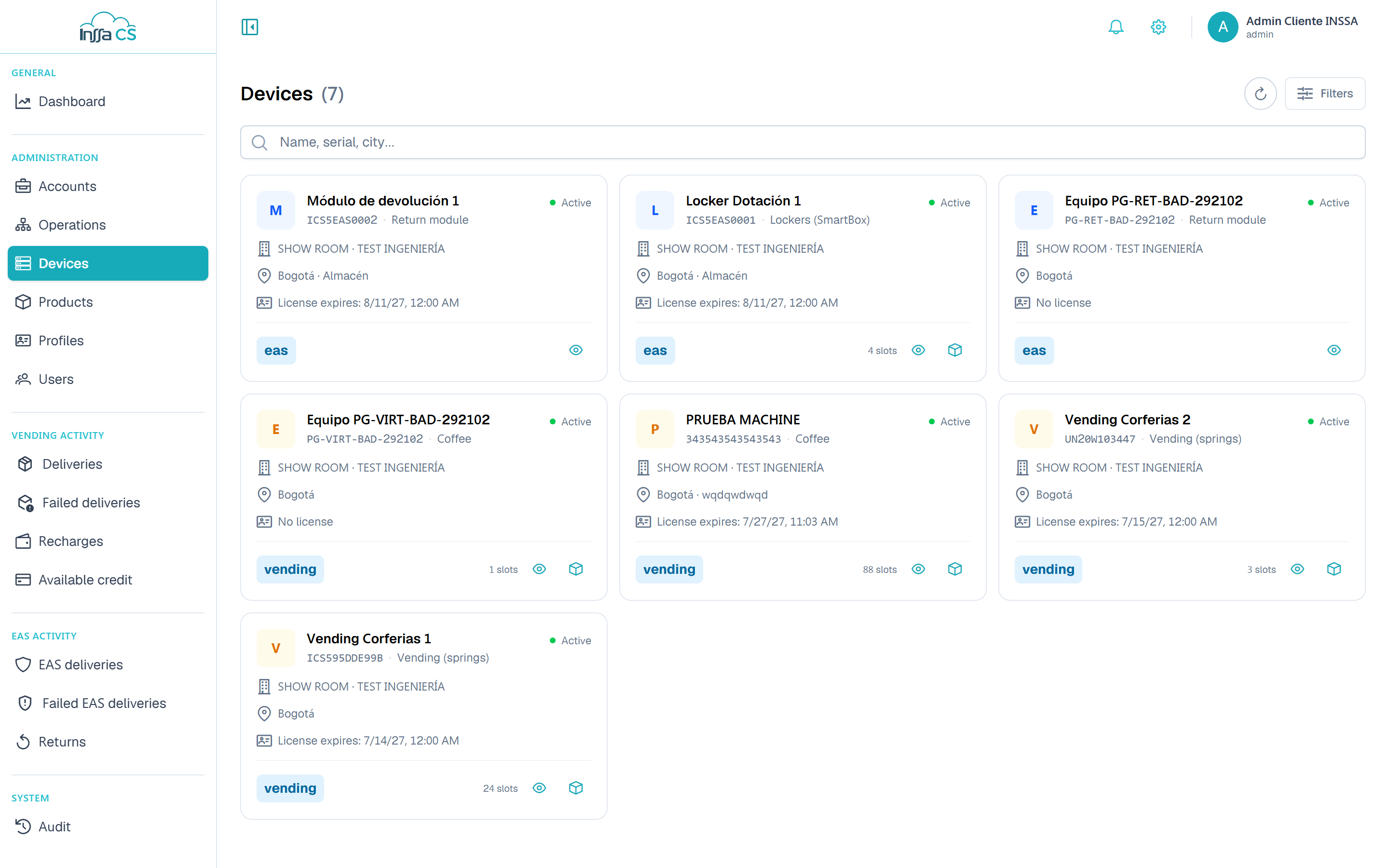
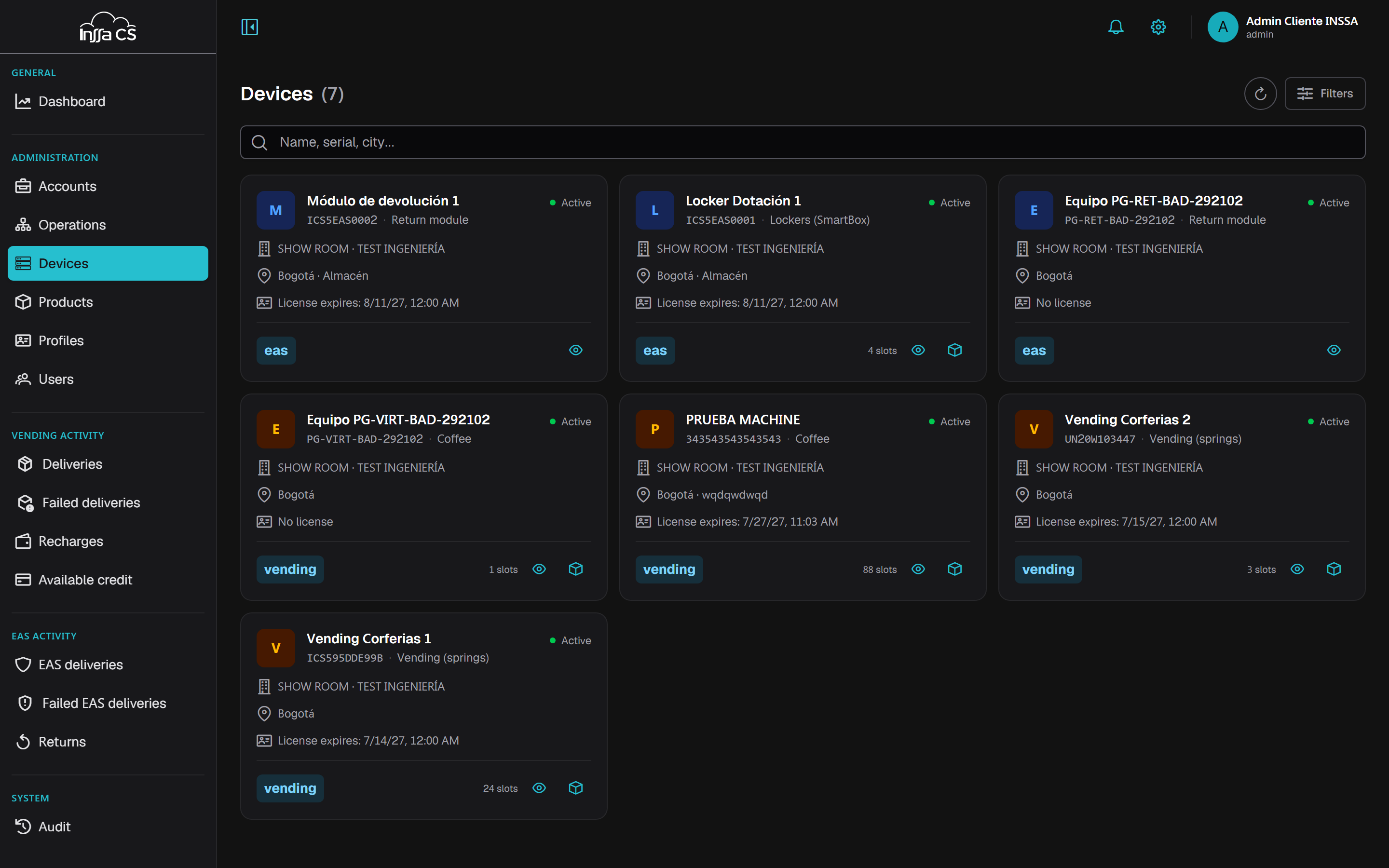
Each row shows name, serial, type, location, slots, controller status, licence expiry and active/inactive status.
Filters: search (name, serial, city), status, business line, device type, account and operation.
Types: Vending (springs) · Lockers (SmartBox) · Drinks and ice cream · Coffee · Return module.
Controller status: Online · Offline · Suspended · Unassigned.
Detail
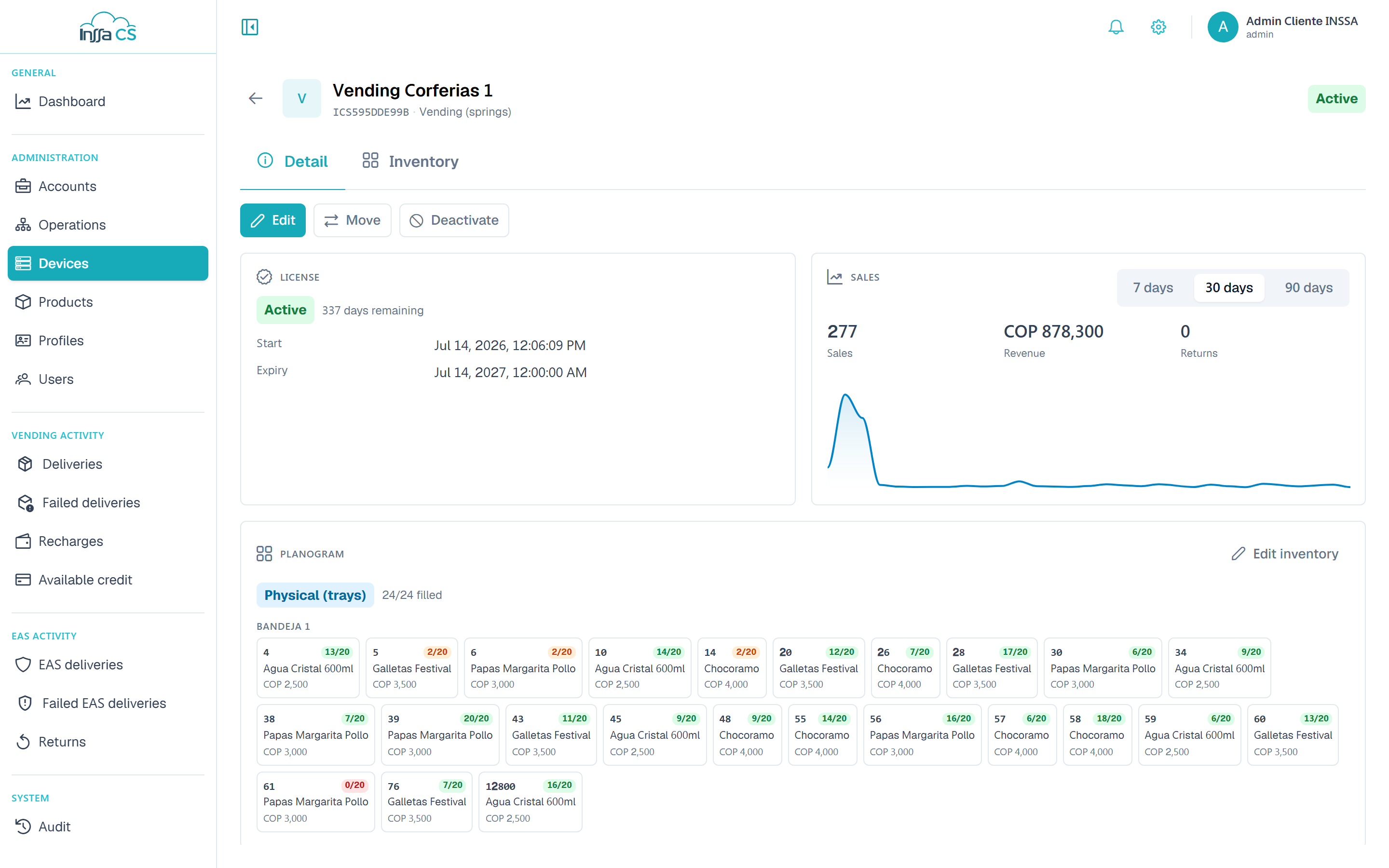
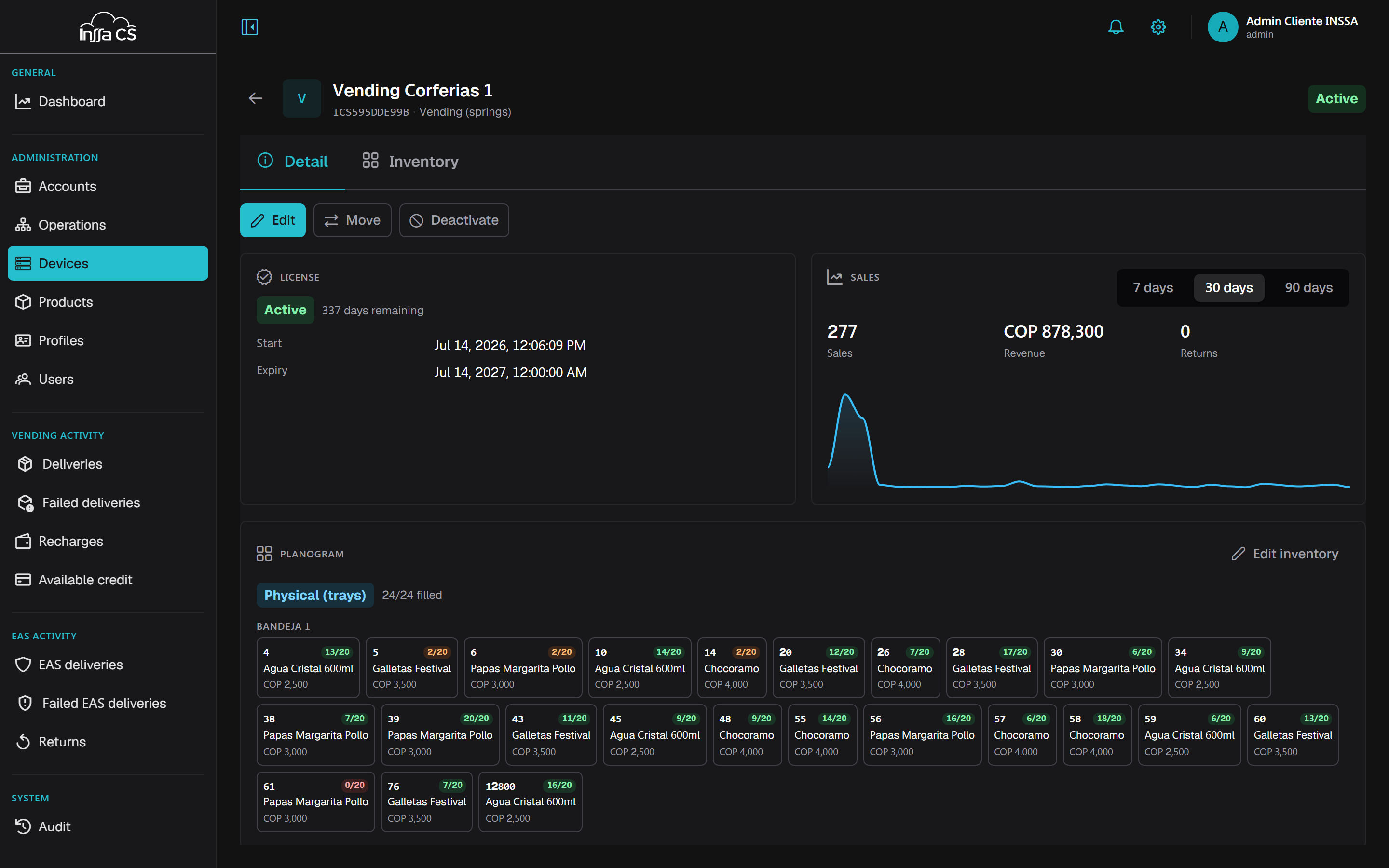
Opening a device takes you to its page, with Detail and Inventory tabs.
| Section | Contents |
|---|---|
| Identification | Name, serial, type, business line |
| Specifications | Brand, model, payment methods (cashless, cash, card) |
| Location | Address, inner location, coordinates |
| Controller | Status, controller serial, last transmission |
| Planogram | Layout (virtual or physical trays), dimensions, total slots |
| Licence | Start, expiry, days remaining and status (active, expiring, expired, suspended, inactive) |
| Sales | Sales, revenue and returns over 7 / 30 / 90 days |
Edit adjusts name, specifications and location. The planogram is managed in the Inventory tab.
Moving a device
Move asks for the target operation (and with it account, client and currency).
If the target belongs to another account, the planogram is emptied: structure (rows and slots) is kept, products and prices are removed, because products belong to the previous account. The currency is adjusted too. Moving within the same account keeps the planogram; just review the profiles that authorised the machine.
After moving, review the profiles: those authorising the former operation no longer apply.
Deactivate and activate
Deactivate takes the machine out of service (it stops dispensing). Activate returns it.
Delete
Deleting the device:
- removes it from the profiles that authorise it;
- releases its controller (which becomes unassigned).
Its planogram goes with it; historical dispensations are kept. Requires typing the name and cannot be undone from the app.
After releasing a controller, the device is temporarily without one: it keeps its planogram and history and is never recreated. Attaching a controller again is an INSSA task.