Audit
A read-only log of the actions that modify data. Nobody edits or deletes audit records; viewing them requires Audit › View.
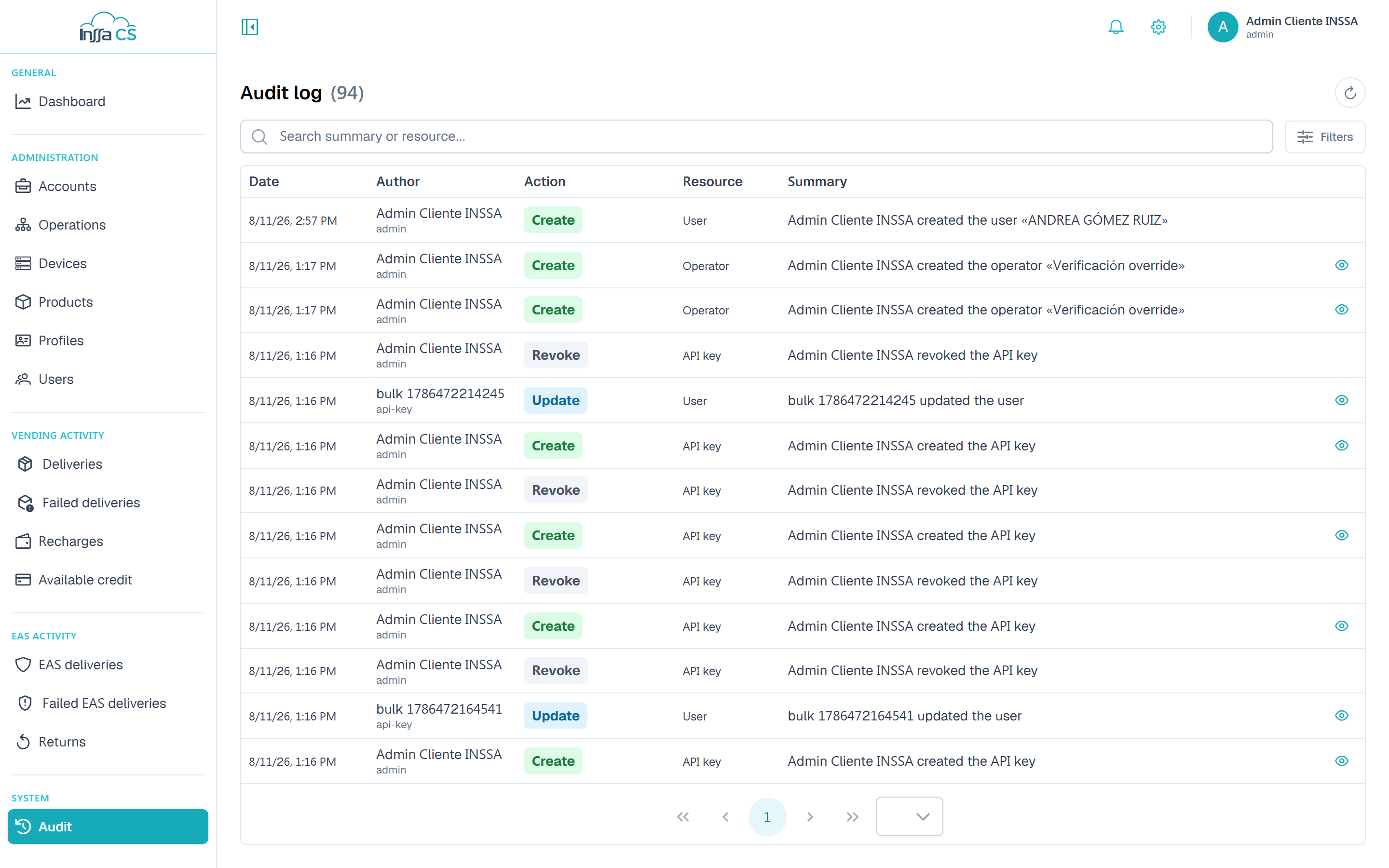
The list
| Column | What it shows |
|---|---|
| Date | When it happened. |
| Author | Which operator did it, The system for automatic processes, or their name followed by (from the device) when the action was done at the machine. |
| Action | Create, Update, Delete, Deactivate, Activate, Move, Assign profile, Rename, Replace planogram, Load slot, Revoke, Export, Sign in, Sign out… |
| Resource | Account, Operation, Device, Inventory, Stock, Stock order, Product, Product category, Profile, User, Code, Operator, Role, API key, User tag, Deliveries export, Available balance export, Session, Controllers, Controller gate… |
| Summary | A readable sentence: who + what they did + to what. It is composed in your language: the record stores the fact, not the written sentence. |
Filters and sorting
The Filters button, in the header next to Refresh and Export to Excel, opens the side panel with:
- Date range (All history by default), the same picker used in movements.
- Resource: Device, Product, User, Code, Operator, Profile or Session.
- Action: Create, Update, Delete, Deactivate, Sign in or Sign out.
The search box in the table toolbar looks in summary or resource.
The list starts sorted by Date, newest first, and columns with a direct value behind them can be sorted by clicking their header. Sorting covers the whole history, not just the page you are looking at.
Record detail
View detail opens the record with a Changes block: which fields changed, with previous and new values. It answers "who changed this code's profile?" without guesswork.
What gets audited
The app's write actions: creation, changes and removal of accounts, operations, devices and inventory, stock orders, products, categories and serial numbers, profiles, users and codes, tickets, routes, operators and roles, API keys, user tags and exports, plus opening or closing a controller gate.
An operator's sign-in and sign-out are recorded too, with the IP and browser they came from: in a session event, where from is the data. Successful attempts only.
Reads are not audited: opening a list or a report leaves no record.