AI assistant
The AI assistant answers questions about your operation —sales, inventory, gear, devices, profiles, users— with data it queries on the spot, and shows what it queried. It can also create, edit and delete records when you ask, with your same permissions: before changing anything it shows what will happen and waits for your confirmation. Every change appears in the audit log as made by the assistant.
It requires the AI assistant permission (see Permissions) and only sees what your scope lets you see.
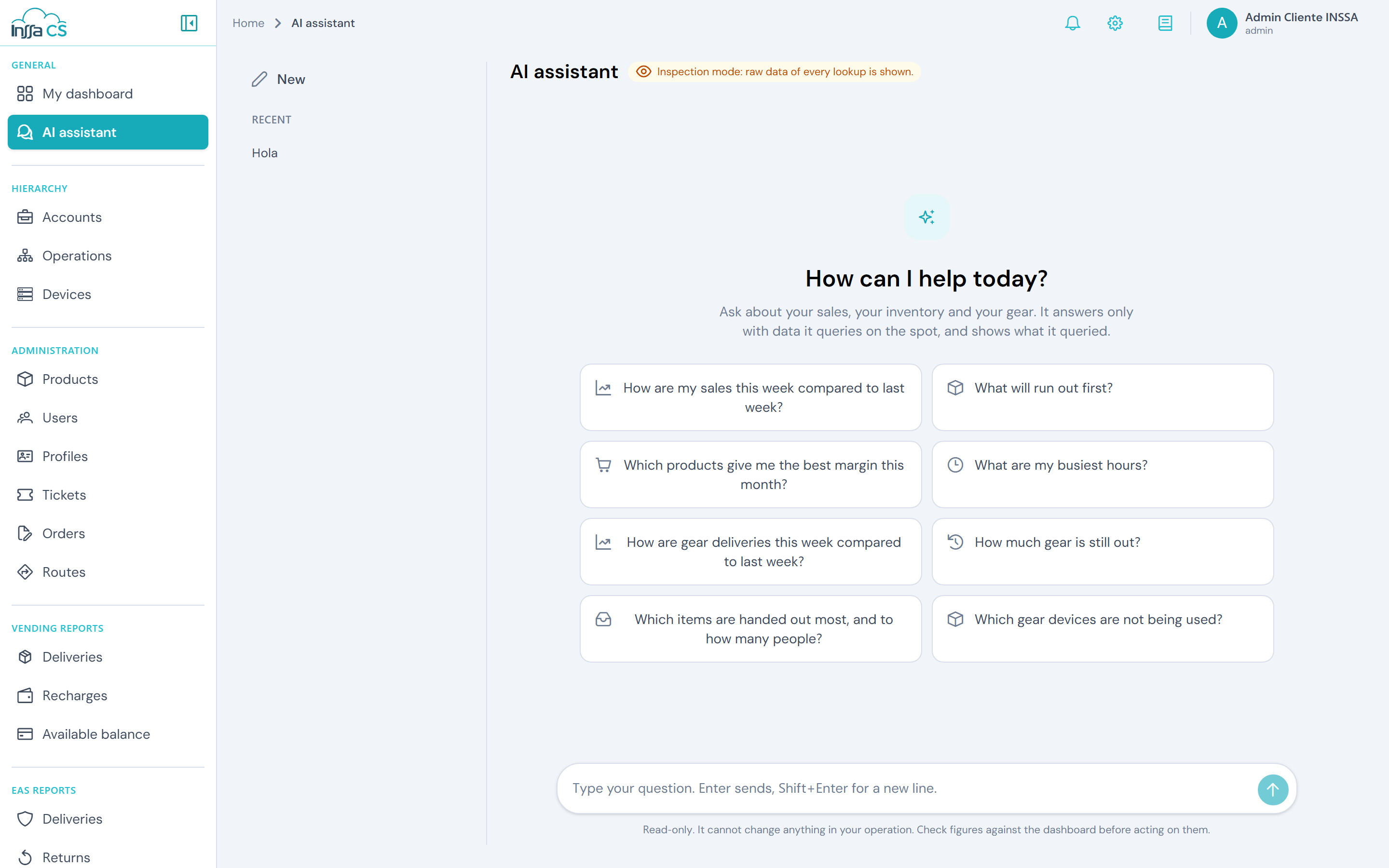
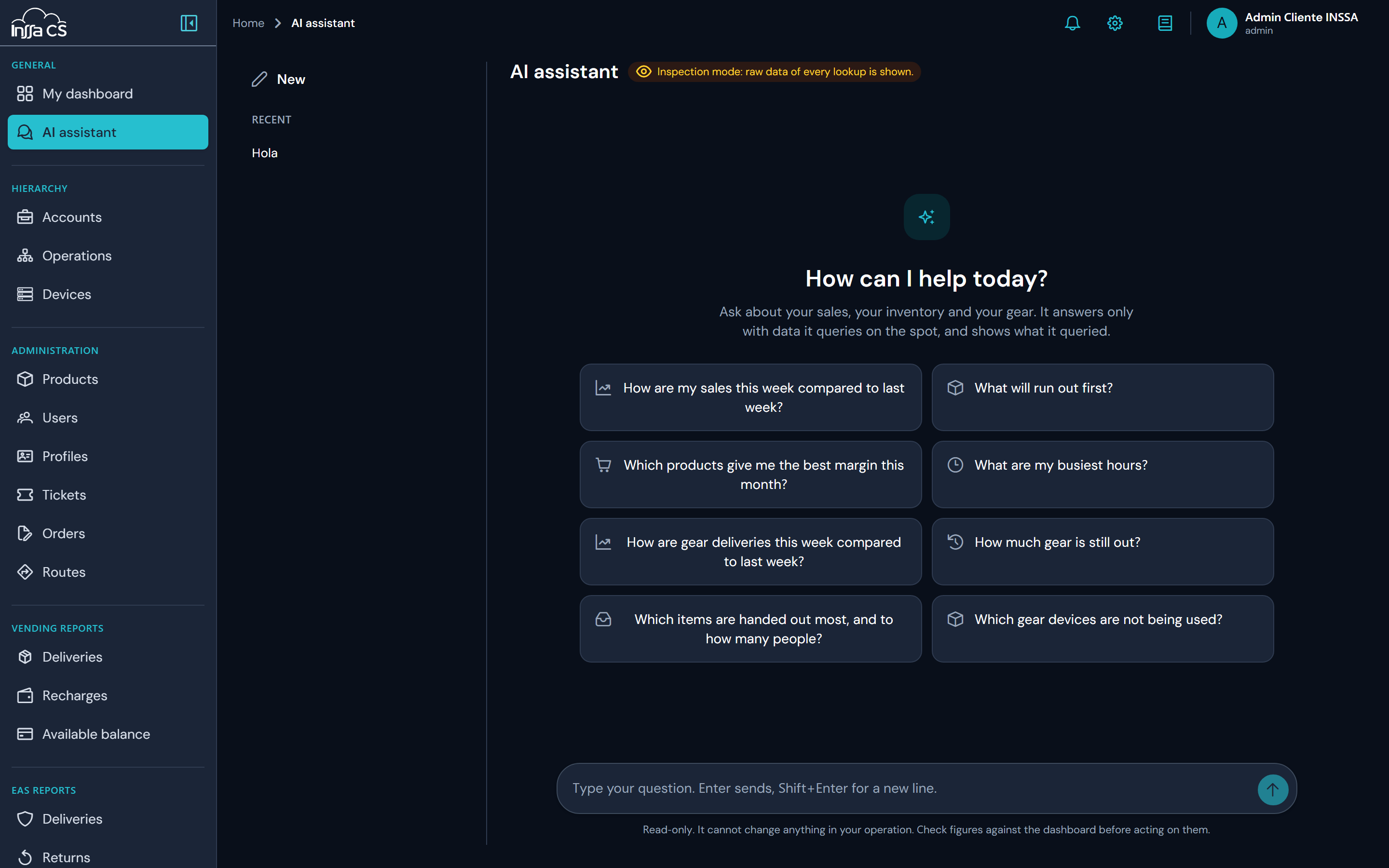
Where it is
- In the side menu, AI assistant opens the full page, with the list of saved conversations (Recent).
- On any screen, the bubble in the bottom corner (Open assistant) opens a floating panel with the same conversation. From there, Saved conversations shows earlier ones and Open full screen takes you to the page.
Asking
- Type your question. Enter sends and Shift+Enter adds a line. If you do not know where to start, tap one of the suggestions (for example What will run out first? or How much gear is still out?); they change with your business line.
- While it works you will see each query it runs (Reviewed sales, Reviewed inventory…). Stop cuts the answer short.
- The answer shows how many data queries it used. Copy answer copies it.
You can keep asking about the same thing: the conversation keeps its context. New starts another one, and Delete conversation removes it.
The assistant can misread a question. Before making a decision, check the figures on the dashboard or in the movements.
Personal data
The assistant names people, but shows only the last 4 characters of ID documents and codes and never shows email addresses. Dates and times come out in your local time.
Monthly credits
Using the assistant consumes credits from your company's monthly quota. When it gets close to the limit, the chat warns you (Your company has already used 80% of this month's assistant credits); if they run out, it takes no more questions until next month or until the quota is increased.
If something fails
| Message | What to do |
|---|---|
| The turn failed. Nothing was changed: you can retry. | Press Retry. |
| The lookups ran but the turn ended without an answer. | Ask again or make the question more specific. |
| Your company used up this month's assistant credits. | No more questions until next month or until the quota is increased. |
| You already have a question in progress. Wait for it to finish before asking another. | Wait for the answer: the assistant handles one question at a time per operator. |
| The assistant is not enabled right now. | The assistant is not available for your company for now. |