API Keys
An API key lets an external system (ERP, BI, your own integration) query the INSSACS API without using your session.
API keys are their own permission resource: View API keys shows the section, Create API keys enables the create button, and Delete API keys the revoke one. The section is only available to global or client-level operators; an account- or operation-level operator does not see it.
Which endpoints exist, what body each expects and what it returns is in API for integrations.
Creating a key
| Field | Note |
|---|---|
| Name | So you recognise it later (ERP integration). |
| Account | Optional. Empty = client-level key: it works across every account of the client, future ones included. Pick an account to limit it to that one. |
| Permissions | What the key can do. It starts with everything you can grant and you trim from there. |
| Expiry | Optional. With no date, it does not expire. |
| Rate limit | Optional, in requests per minute. Empty = default value. |
The key's permissions
A key has no role: whatever you leave ticked is everything it can do. That is the difference from an operator, where the role is the floor and granular permissions add on top.
Untick whatever the integration does not need. A typical example: a BI tool that only reads movements needs Reports › View and nothing else.
You can never grant a permission you do not hold: the server answers You cannot grant permissions you do not have.
An issued key's permissions are changed with the shield button on its row, without revoking it or redistributing the secret.
On creation the app shows the full secret with the warning Copy the secret now. For security it will not be shown again. Store it in your system's secret manager. If it is lost, revoke the key and create another.
The table
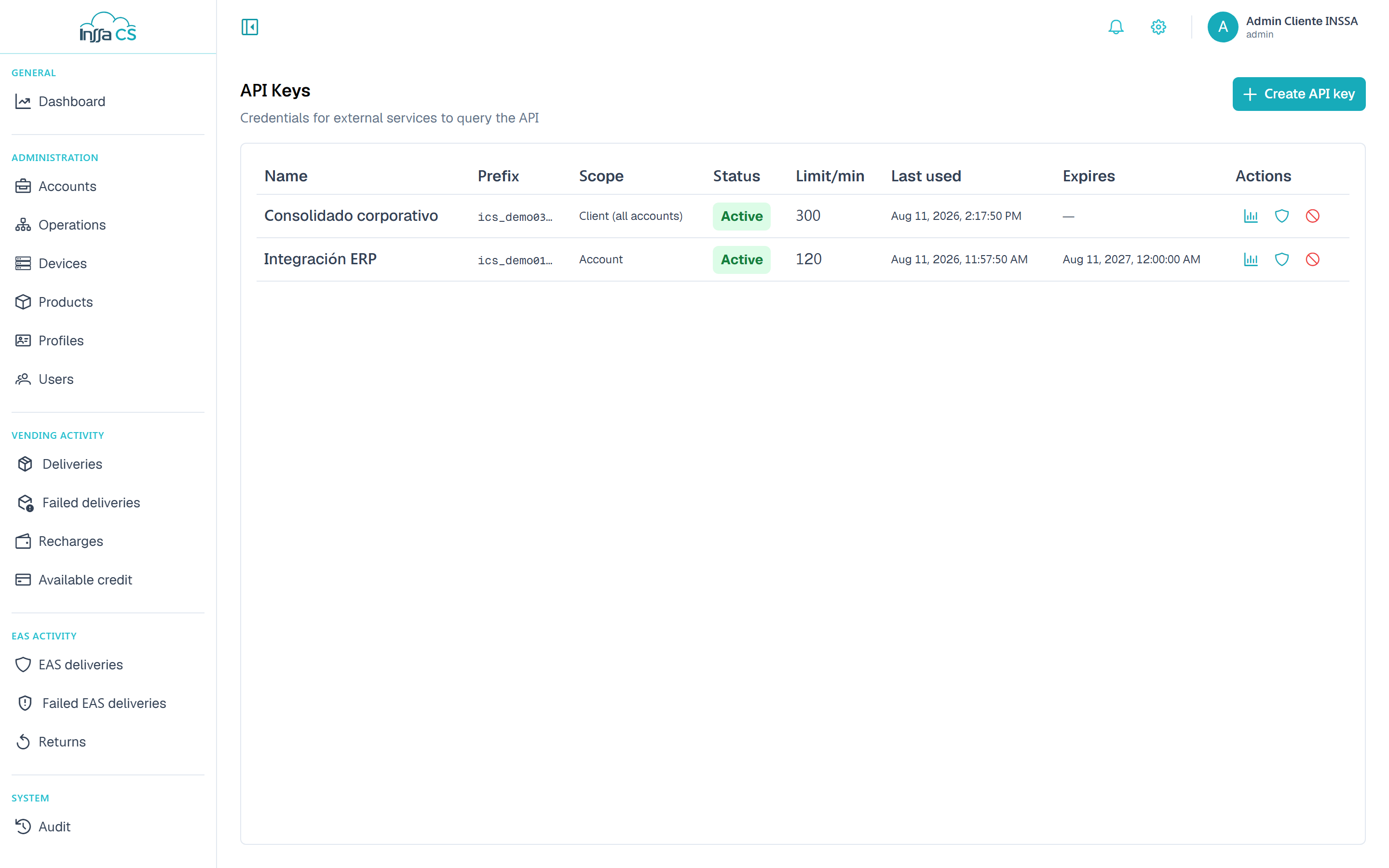
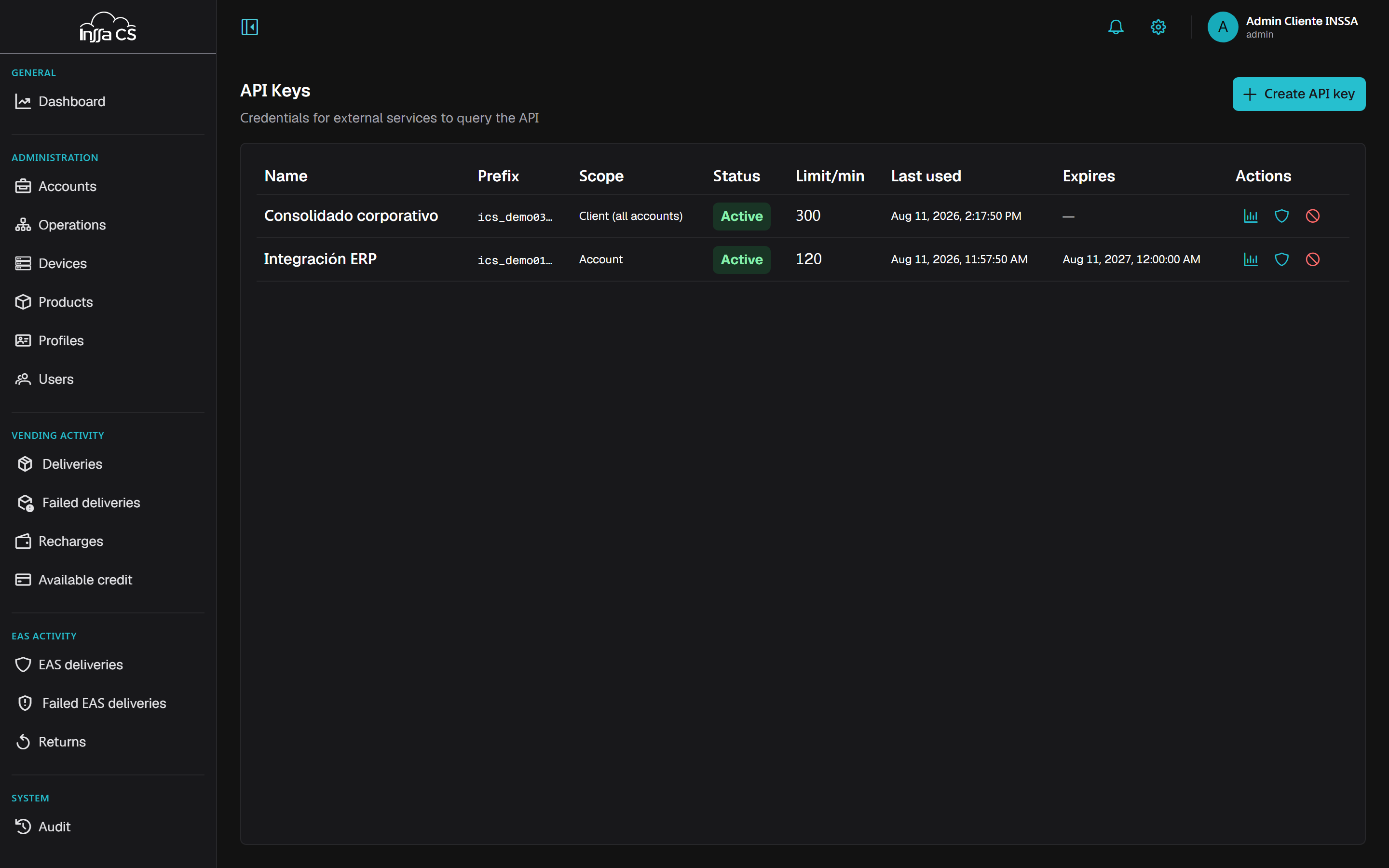
Name, prefix (the first characters, to identify it without seeing the secret), scope (Client (all accounts) or Account), status (Active, Revoked, Expired), per-minute limit, last use and expiry.
Usage
Each row's Usage button (📊) shows the last 30 days: requests and bandwidth, broken down by day, endpoint and response status. Useful to see whether an integration is over-retrying or getting errors.
Revoking
Revoke makes the key unusable immediately and cannot be undone. Do it if the secret leaked, the integration is retired, or you see usage you do not recognise. Revocation is recorded in Audit.
Good practice
- One key per integration, never shared: then you can revoke one without breaking the rest.
- Pick the smallest scope that works: for a single-site integration use an account key; save the client-level one for what genuinely consolidates several.
- Set an expiry on temporary ones (tests, a one-off vendor).
- Tune the rate limit to the client's real consumption.
- Review Usage periodically: an unused key is a key you can revoke.
Common errors
| Message | Meaning |
|---|---|
| Invalid or revoked API key | Secret mistyped, key revoked or expired. |
| The API key has no scope for this action | The key belongs to another account or resource. |
| The API key cannot modify this field | The key is not allowed to write there. |
| Too many requests | It exceeded its per-minute limit. |