My profile and preferences
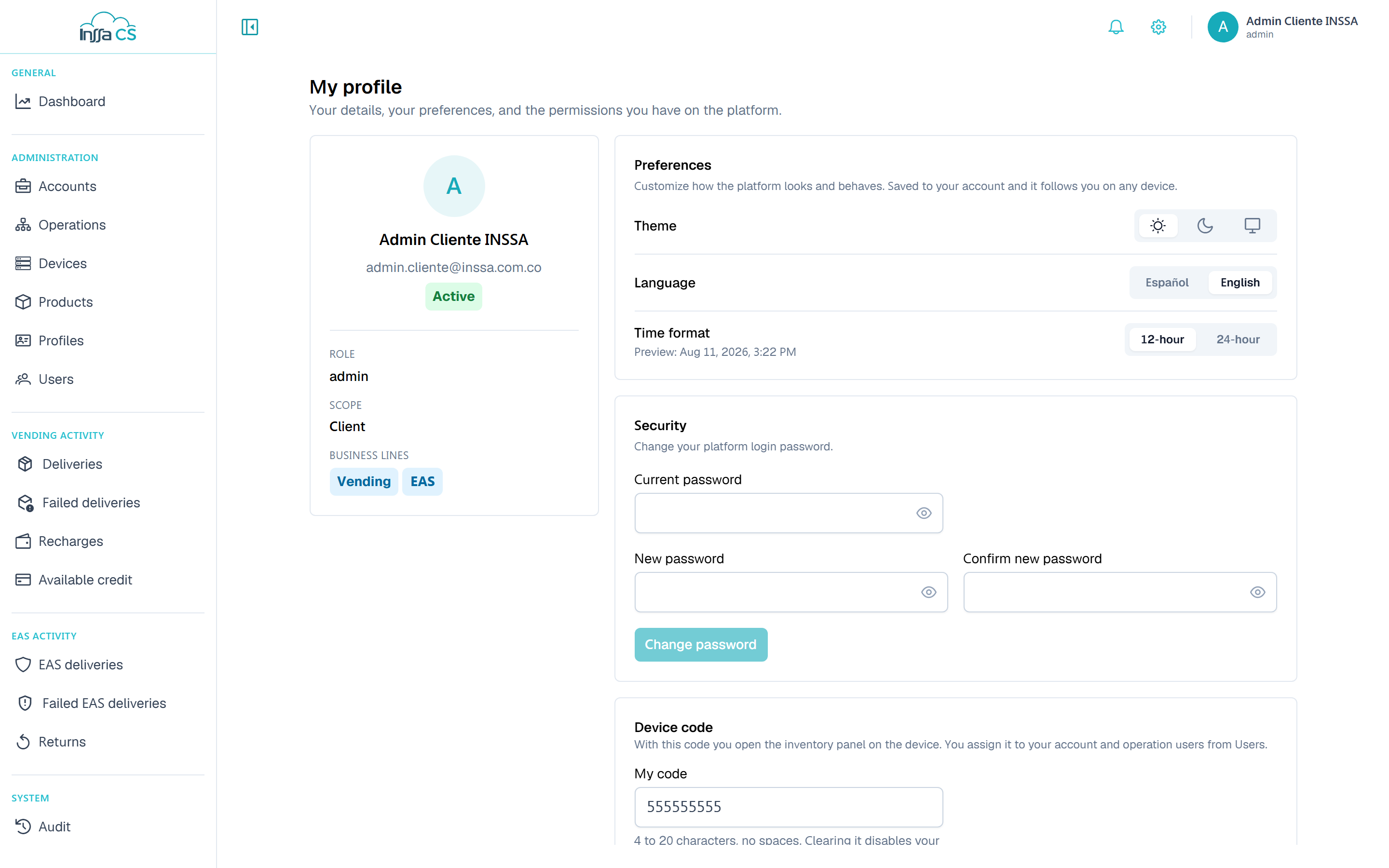
Avatar › My profile gathers your data, your interface preferences, your password and the permissions you hold.
Account data
Read-only: name, email, status, role, scope (global, client, account or operation) and the business lines you handle.
Preferences
| Preference | Options | Effect |
|---|---|---|
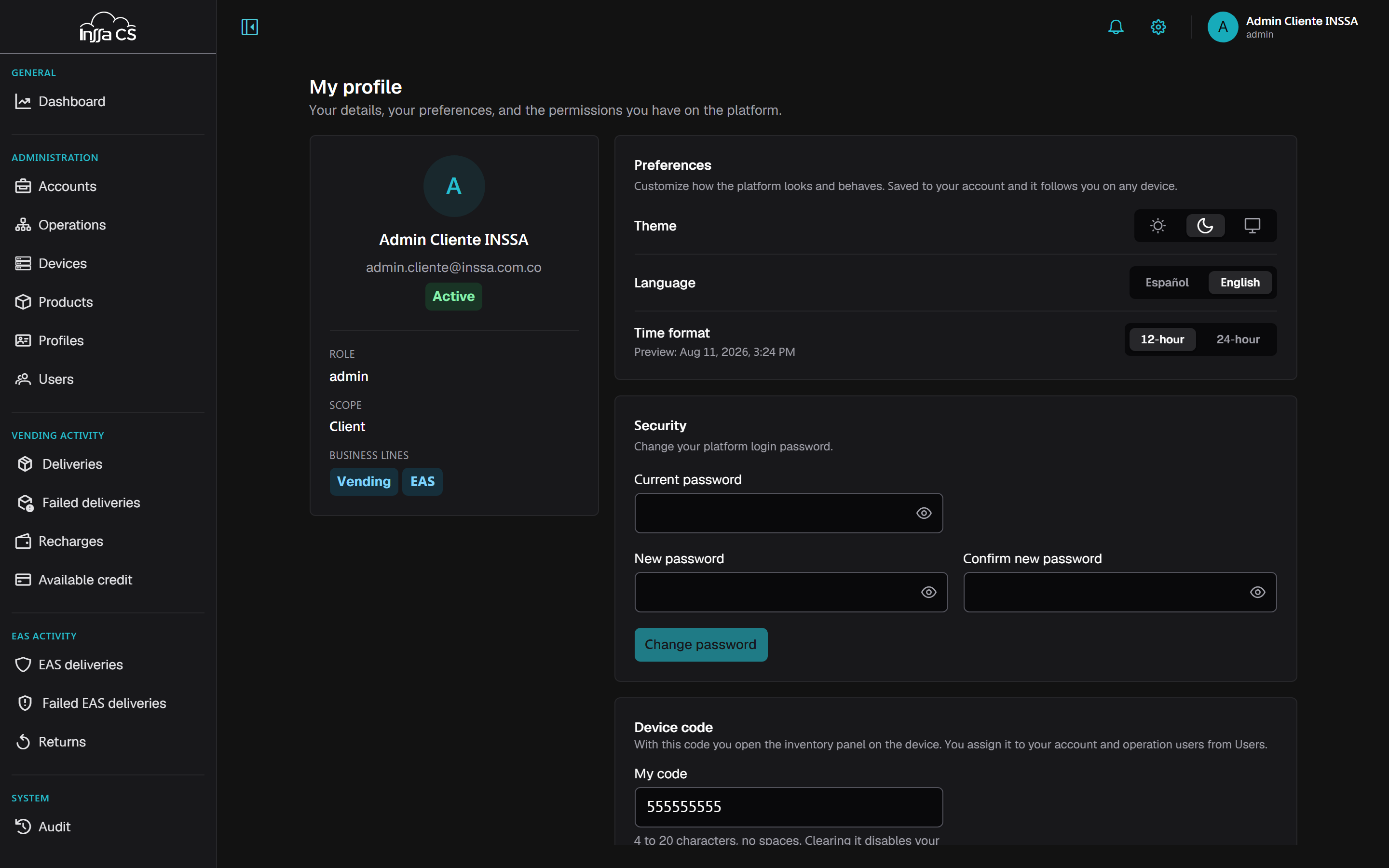
| Theme | Light · Dark · System | Applies instantly. System follows the machine. |
| Language | Español · English | Switches every text in the app. |
| Time format | 12-hour · 24-hour | Changes how dates and times render in tables, details and exports. |
They are stored on your user, not in the browser: sign in from another machine and they follow. The same theme and language sit in the top-bar gear, so you can switch without leaving the screen.
Security: change password
Asks for current password, new one (at least 8 characters) and confirmation. If the current one is wrong the app says The current password is incorrect. Your session stays active.
Permissions
Lists your effective permissions per resource (View, Create, Edit, Delete). It is the quick answer to "why is that button missing". See Permissions and scope.
Device code
A personal code, 4 to 20 characters, no spaces, that opens the inventory panel on the machine (it is not an app login). It must be unique within your client. Leave it empty and you lose that access.
You assign it to operators in your account or operations from Operators. Global operators do not carry one.